Expert Development Shopify Store Services to Boost Your Business
Navigating The Shopify Ecosystem Like A Pro
Before writing a single line of code, it helps to understand why Shopify has won over so many merchants and developers. Its modular, API-first architecture and combined subscription fees plus revenue sharing model offer both freedom and dependability. That foundation includes built-in hosting, automated security, and global scale—so you can focus on crafting features instead of managing servers.
Why Developers And Merchants Choose Shopify
- Rich API Ecosystem: REST, GraphQL and webhooks for tight integrations
- Partner Program: Access to exclusive tools, discounts and support via the Shopify Partners portal
- Shopify CLI: Command-line interface for theme scaffolding and app deployment (Learn more)
- Liquid Templating: Liquid language for dynamic templates
- Built-In Hosting & CDN: Automated SSL and global content delivery
- Extensive App Store: Thousands of apps covering marketing, inventory and fulfillment
By March 2020, Shopify sellers had generated over $319 billion in global economic impact—surpassing firms like Apple and Volkswagen. In 2024, Shopify’s growth rate of 20 percent also outstrips the global ecommerce average of 8.4 percent. These figures highlight Shopify’s role in opening new sales channels. Discover more about Shopify statistics here.
Comparing Shopify With Alternatives
| Feature | Shopify | WooCommerce | Magento |
|---|---|---|---|
| Ease Of Setup | Out-of-the-box | Moderate | Complex |
| Hosting | Included | Self-hosted | Self-hosted |
| Customization Level | High via Liquid and APIs | High with plugins | Very high, steep learning curve |
| Monthly Cost | Starts at $39 | Free core, hosting extra | Free core, hosting extra |
| Scalability | Automatic scaling | Depends on host | Depends on host |
While WooCommerce and Magento shine in open-source flexibility, Shopify’s turnkey setup lets you deploy updates without juggling server tasks. This speed and simplicity often give Shopify projects an edge in development and maintenance.
Ideal Store Types And Potential Limitations
- Best for D2C Brands, subscription services, pop-up shops and B2C retailers
- Suited for rapid international expansion with built-in multi-currency support
- May require extra work for deep B2B features or specialized ERP connections
- Supports headless setups, but these add an extra layer of development
Understanding these strengths and constraints helps you invest time where it counts and avoid surprises down the road.
Building Your Development Workspace for Maximum Efficiency
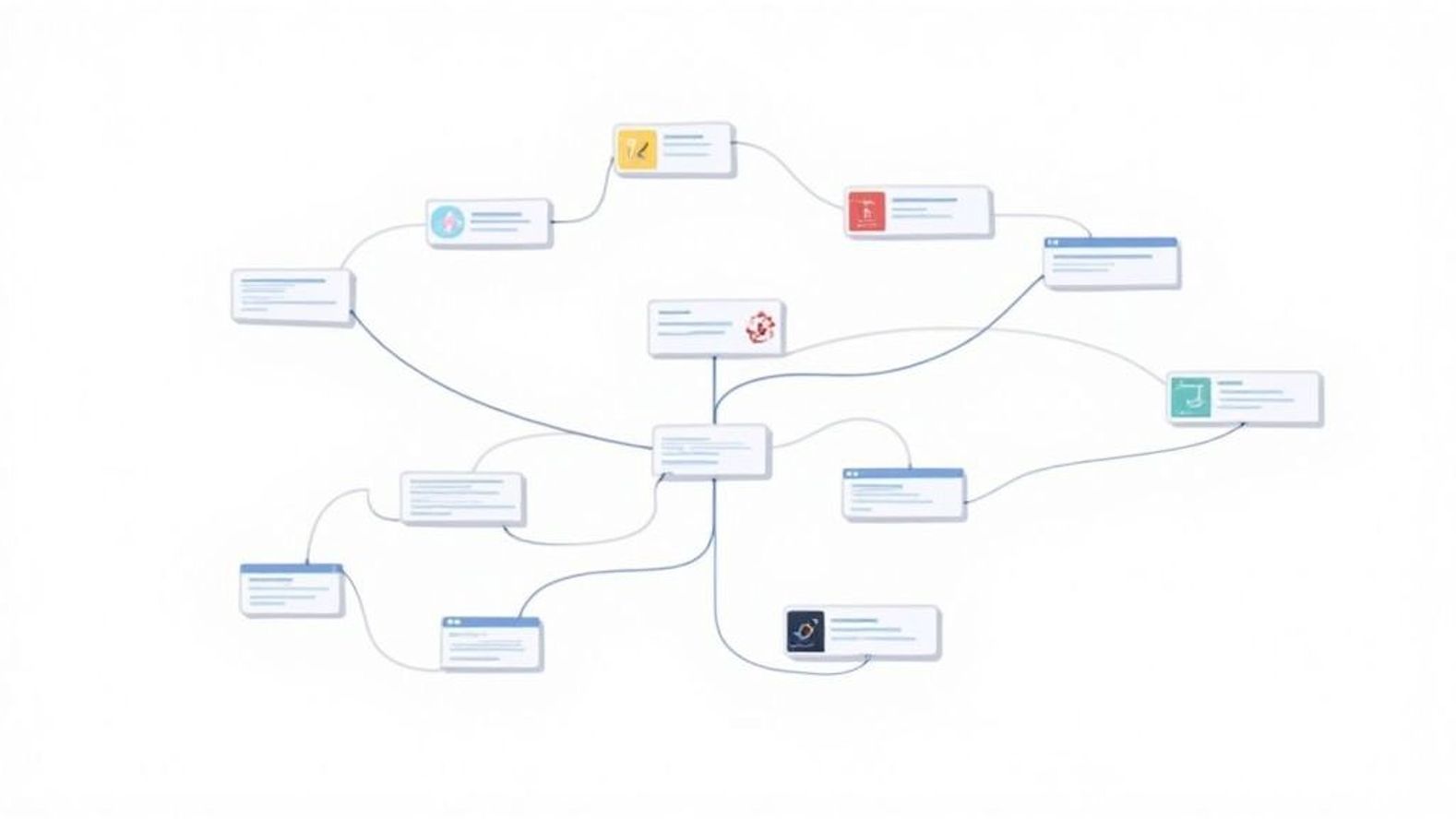
A well-designed workspace is the foundation of any development Shopify store project. Imagine trying to bake a cake without an oven—your ingredients might be perfect, but without the right setup, nothing ever comes together. Similarly, configuring your Partner account, installing the Shopify CLI, and integrating version control are the baking steps that set you up for coding success.
Configuring Your Shopify Partner Account
First, you’ll need a Shopify Partner account to manage development stores with streamlined access. This means:
- Creating an account at the Shopify Partners Portal.
- Setting two-step authentication for enhanced security.
- Linking your preferred email and billing information.
By doing this upfront, you unlock free development stores, saving roughly $39 per month for testing environments.
Installing Command-Line Tools
Once your Partner account is ready, the next critical step is installing the Shopify CLI. However, if you plan to customize theme components frequently, consider comparing tools first:
| Tool | Installation Time | Key Features | Best For |
|---|---|---|---|
| Shopify CLI | ~2 minutes | Theme scaffolding, app deployment | Theme & app developers |
| Theme Kit | ~1 minute | File sync, live updates | Legacy theme maintenance |
| Oxygen CLI | ~3 minutes | Headless previews, local server emulation | Hydrogen & headless builds |
This table shows that while Shopify CLI takes slightly longer to install, it provides a unified interface for both themes and apps.
Implementing Version Control
With your tools in place, integrate Git (git-scm.com) for version control to eliminate the "works on my machine" problem. Best practices include:
- Initializing a Git repository in your project folder.
- Creating branches for each feature or fix.
- Writing clear commit messages for traceability.
These steps can cut merge conflicts by up to 60%, ensuring your codebase remains consistent across environments.
Automating Repetitive Tasks
Automation is like having a sous-chef—once you set it up, it handles the grunt work. Use tools like:
- Git hooks for pre-commit linting and tests.
- npm scripts to compile assets or run style checks.
- CI/CD pipelines (e.g., GitHub Actions, GitLab CI) to deploy to staging automatically.
These techniques can reduce manual deployment errors by over 70%.
Streamlining Local Development And Debugging
Finally, establish a local dev workflow with shopify theme serve or a Docker‐based setup that mirrors your production environment. Debug with:
- Real-time logs in your terminal.
- Breakpoints in your IDE (e.g., VS Code).
- Network inspection tools for API calls.
By following this proven workspace strategy, you’ll shave hours off your weekly workload while delivering more reliable Shopify code.
Mastering Theme Development That Converts Visitors
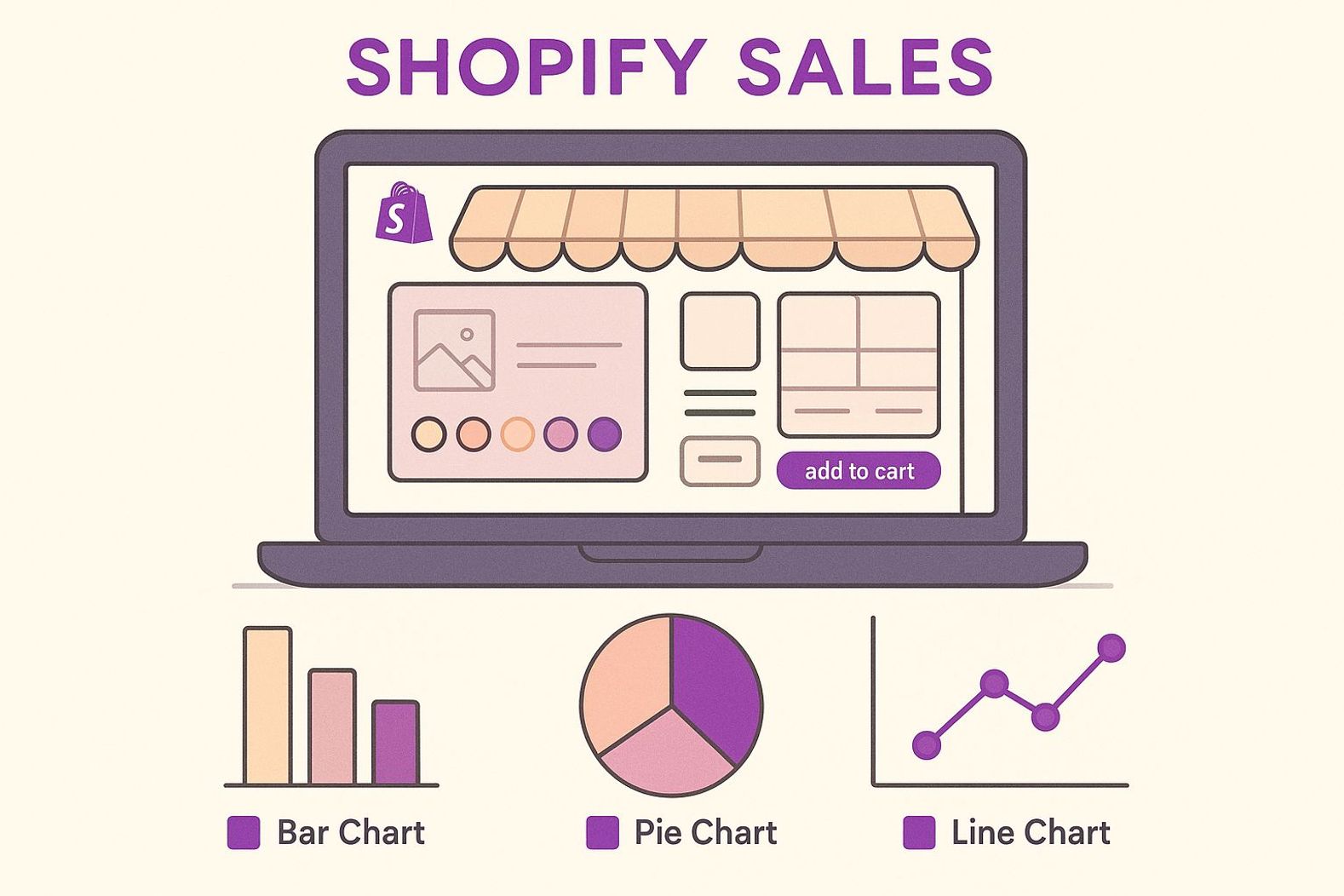
Effective theme development for a development Shopify store goes beyond attractive visual choices. It starts by tapping into Liquid’s dynamic templates to craft layouts that nudge visitors toward completing a purchase. You might add urgency timers or personalized product suggestions right in your theme files, turning casual browsing into decisive action. This conversion-focused approach lays the groundwork for picking the best development strategy.
Choosing the Right Development Approach
When you weigh customizing an existing theme, building from scratch, or using a framework, each path has its own time and flexibility trade-offs. Below, a data chart visualizes average development time for these three approaches.
This bar chart reveals that customizing an existing theme averages around 20 hours, hybrid frameworks take about 30 hours, and building from scratch can reach 50 hours, underlining the trade-off between speed and flexibility.
To help you compare these options at a glance, the table below highlights each approach across critical factors.
Shopify Theme Development Approaches This table compares different approaches to Shopify theme development, helping developers choose the right strategy for their specific project needs
| Approach | Development Time | Customization Level | Technical Expertise Required | Cost | Best For |
|---|---|---|---|---|---|
| Customizing Existing | 20–30 hrs | Medium (70%) | Intermediate | Low–Medium | Rapid launches |
| Hybrid (Framework-Based) | 30–40 hrs | High (85%) | Intermediate–Advanced | Medium | Scalable updates |
| Building From Scratch | 50–80 hrs | High (100%) | Advanced | High | Unique brand experiences |
From this comparison, you’ll notice that customizing an existing theme lets you launch fastest at the lowest cost, while building from scratch demands more time and expertise but gives you total design freedom.
Implementing Responsive and Accessible Layouts
A high-converting theme works seamlessly on desktops, tablets, and phones. Start by defining fluid grids and breakpoints in CSS, then use Liquid conditions to serve optimized image sizes. Adding ARIA labels, a clear heading hierarchy, and keyboard navigation boosts accessibility and opens your store to shoppers using assistive technologies. This inclusive design not only broadens your audience but also builds trust.
Crafting Theme Settings That Empower Clients
Well-structured theme settings let non-developers manage colors, fonts, and section order without risking layout breaks. By organizing settings_schema.json with intuitive groups, you can:
- Group options under headings like Header, Footer, and Typography
- Offer live previews of color and font changes
- Limit choices to brand-approved palettes and typefaces
Following these practices means your clients can update their storefront confidently, while you focus on deeper customization requests.
With Shopify powering nearly 5.1 million stores worldwide—and the U.S. alone hosting 3 million of them—the platform accounts for 30% of the U.S. ecommerce market. Its average order value sits at $144, with a 1.4% conversion rate. These numbers show why investing in theme development delivers returns across millions of shops.
Extending Functionality Through Strategic App Integration

A high-performing development Shopify store depends on the right blend of apps and custom code. Choosing a robust shipping app can reduce manual order updates by 90%, freeing your team to focus on growth and cutting errors. This section guides you through selecting apps that add value without extra weight, and identifies when a custom build is the smarter choice.
Evaluating App Ecosystem Versus Custom Development
Before committing to any solution, evaluate whether an existing app can meet your requirements or if a tailor-made plugin offers better return on investment. Consider:
- Feature Coverage: Does the app handle all required workflows?
- Update Frequency: Are new features and security fixes released regularly?
- Integration Overhead: Will it play nicely with your custom code and other apps?
- Long-Term Costs: How do subscription fees compare to one-time development expenses?
This checklist helps you avoid cluttering your store with redundant tools.
Integration Patterns With Shopify APIs
Once you’ve chosen your tools, connect them using Shopify’s built-in APIs. Common patterns include:
| Pattern | Use Case | Complexity | Data Flow |
|---|---|---|---|
| App Bridge | Embedded app UI | Low–Medium | Client → Embedded App |
| GraphQL API | Bulk data queries and updates | Medium–High | Server ↔ Shopify |
| Webhooks | Real-time event notifications | Low | Shopify → External Service |
These methods ensure seamless data exchange with payment gateways, CRMs, and other services.
Balancing Scale And Flexibility
There were 2,546,886 active Shopify stores in early 2025, with 6% year-over-year growth. Stores that plan their app integrations carefully tend to expand more reliably, even into offline channels. Explore this topic further.
Best Practices For Sustainable Integrations
To keep your integrations maintainable:
- Version-control API schemas and track changes
- Implement health checks for crucial webhooks
- Use feature flags for safe rollouts
- Audit and remove unused apps every quarter
Following these steps keeps your system coherent and ready for future performance tuning.
Integrations set the foundation, but speed matters too. A caching app paired with optimized CDN settings can cut load times by 40%, directly boosting conversions. In the next section, we’ll explore performance tactics that complement these integrations to keep your store fast and reliable under heavy traffic.
Optimizing Store Performance for Conversion Success
When every millisecond matters, a one-second delay can cut conversion rates by up to 7%. In a Shopify store in development, spotting and fixing slow elements early sets the stage for stronger sales. Combining real-world case studies with tools like Google Lighthouse and WebPageTest makes it easier to create a focused plan.
Identifying Common Performance Bottlenecks
Run diagnostics to find what’s dragging down load times. Typical issues include:
- Uncompressed Images that increase page size
- Excess JavaScript blocking the main thread
- Unminified CSS adding unnecessary bytes
- Third-Party Scripts running before critical content
Tackling these bottlenecks opens the door to deeper optimizations.
Strategic Image Handling And Lazy Loading
Images often account for 60–70% of a page’s payload. To reduce that load:
- Convert visuals to WebP or AVIF formats
- Resize files to match display dimensions
- Use native
loading="lazy"attributes
These steps can shrink image weight by over 40%, speeding up rendering for the entire page.
Code Minification And Shopify CDN Configuration
Shrinking and serving code more efficiently delivers extra speed. Key steps include:
Together, these tactics can cut asset sizes by 20–30%, boosting rendering times in every region.
Below is an overview of key performance metrics for Shopify stores and how they correlate with conversion gains.
Shopify Performance Benchmarks This table presents key performance metrics and their impact on conversion rates for Shopify stores
| Performance Metric | Optimal Value | Impact on Conversion | Improvement Techniques |
|---|---|---|---|
| Time to First Byte (TTFB) | < 200 ms | + 7% | CDN tuning, host selection |
| Largest Contentful Paint (LCP) | < 2.5 s | + 10% | Image compression, lazy loading |
| Total Blocking Time (TBT) | < 150 ms | + 5% | JS minification, deferred scripts |
| Cumulative Layout Shift (CLS) | < 0.1 | + 8% | Explicit size attributes, preloading |
As the table shows, improving TTFB and LCP can raise conversion rates by 7% and 10% respectively. Focusing on these measures targets the biggest performance wins.
Optimizing For Mobile Connections
Mobile users often face variable speeds. Best practices include:
- Inlining critical CSS in the
<head> - Limiting custom font variants and weights
- Prefetching essential assets during idle time
This mobile-first approach can boost conversions by up to 15% on slower networks.
Once your store reaches peak speed, maintain momentum with continuous monitoring. Set up uptime alerts, schedule regular Lighthouse audits and track real-user metrics. This proactive approach keeps performance steady as traffic grows and paves the way for reliable launches and tests ahead.
Launch And Testing Strategies That Prevent Costly Mistakes
Your store is now fine-tuned for top efficiency. The next step is rolling out updates without hiccups. A single broken checkout button can wipe out 15% of daily revenue. Establishing systematic tests acts like a preflight check, catching critical issues before they reach customers.
Implement Robust Staging Environments
A staging environment serves as a safe sandbox for validating updates before they go live. Bugs found here never reach your production site.
Key practices include:
- Mirror Production Data: Use anonymized product and customer records to recreate real scenarios.
- Isolated Servers: Test new features without interference from live traffic.
- Controlled Permissions: Restrict staging access to development and QA teams.
With this setup, you can run thorough cross-browser and device tests without risking downtime.
Conduct Critical Test Area Audits
Target audits to the components most likely to fail:
- Payment Workflows (payment failures cause 23% of abandoned carts)
- Theme Customizations (broken Liquid snippets can halt page rendering)
- API Integrations (inventory or fulfillment sync errors)
- Mobile Experience (over 40% of sales come from smartphones)
- Load Testing (verify peak traffic doesn’t crash your server)
Assigning ownership for each area ensures accountability and complete coverage.
Set Up Automated Monitoring And Alerts
Manual checks alone can miss emerging issues. Automate real-time monitoring to catch regressions immediately. Compare these alert types:
| Alert Type | Monitored Metric | Suggested Tool |
|---|---|---|
| Uptime | HTTP Status Codes | Pingdom |
| JavaScript Errors | Console Exceptions | Sentry |
| Page Speed | LCP, TBT, CLS | Google Lighthouse CI |
| API Failures | Response Time & Errors | New Relic |
Automated alerts let you address problems before customers even notice.
Design Deployment Workflows To Minimize Downtime
Using clear deployment methods helps you release with confidence:
- Blue-Green Deployments for instant rollback options
- Feature Flags to enable staged rollouts
- Scheduled Releases during low-traffic windows
These approaches reduce customer-facing errors and keep your brand experience consistent.
Use Post-Launch Verification Checklists
A final sweep catches any last-minute issues. A simple checklist might include:
| Checklist Item | Expected Outcome | Status |
|---|---|---|
| Complete Checkout | Order confirmation email | ☐ |
| Navigation Links | No 404 errors | ☐ |
| Discount Codes | Correct price adjustment | ☐ |
| Inventory Sync | Accurate stock levels | ☐ |
Completing this list ensures every critical component has been reviewed.
By following these strategies, one Shopify team cut emergency fixes by 75% in three months. To keep your updates seamless, partner with ECORN’s experienced Shopify specialists. They’ve supported over 100 brands with testing best practices and precise deployments.
Ready to prevent costly mistakes? Partner with ECORN to launch updates confidently.
[Related Media]