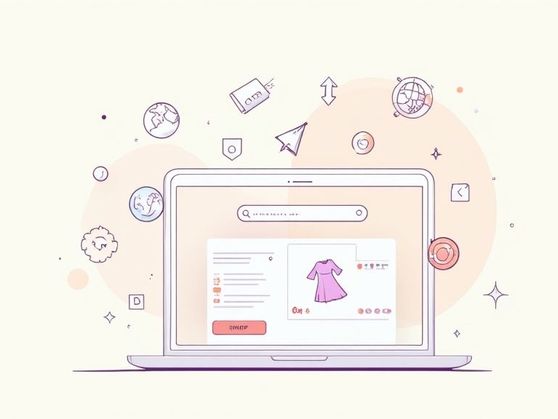
AR for Clothing
Viewing an item of clothing as a 3D model can help shoppers understand its shape and details. It is not the same as a virtual try-on, and what is possible depends on the technology and the device.
Help shoppers explore a product from more than one angle. We plan and develop 3D product presentation and augmented reality experiences for eCommerce stores, from the first product model to testing on supported devices.
Start a ProjectAR, or augmented reality, is a set of technologies that enhances the real world by adding digital objects. In eCommerce, AR can help shoppers understand a product before they buy. Explore how 3D and AR can support product presentation.
Viewing an item of clothing as a 3D model can help shoppers understand its shape and details. It is not the same as a virtual try-on, and what is possible depends on the technology and the device.
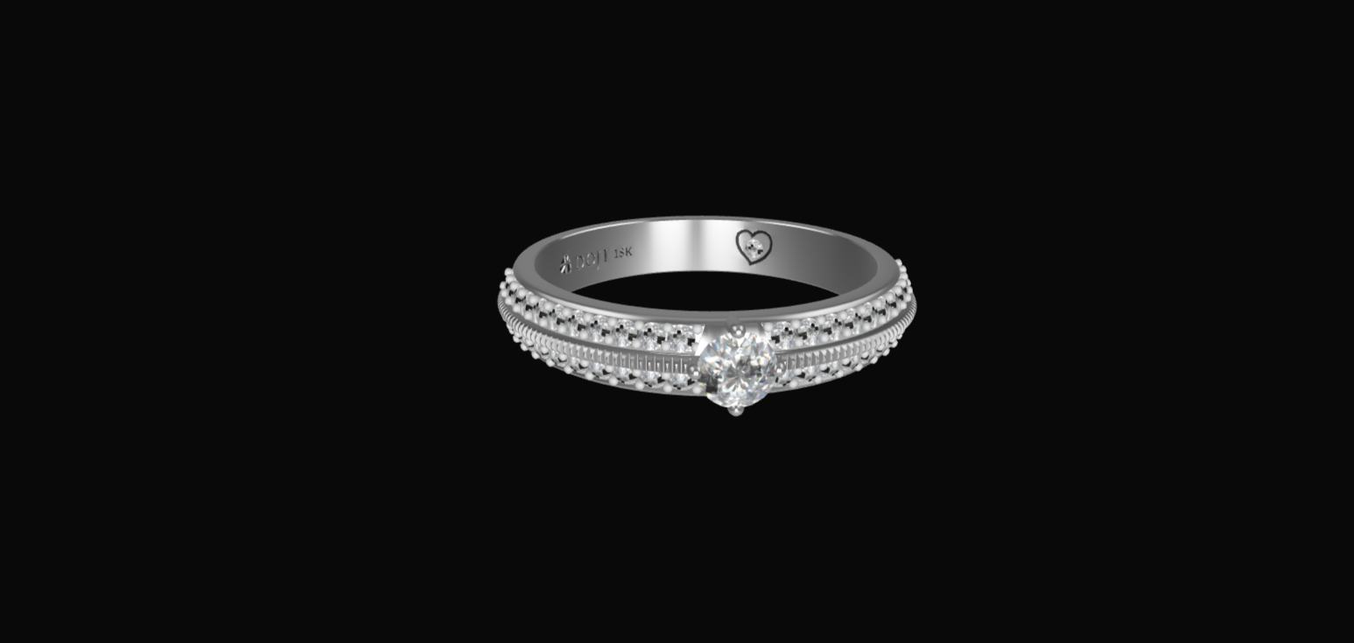
Jewelry depends on detail, so being able to view a piece from several angles can help shoppers judge it.
Seeing the size and proportions of an accessory in context can answer questions shoppers would otherwise ask before buying.
Adding 3D or AR to a product page gives shoppers another way to look at a product. Visitors can examine form, scale and detail, and on supported devices place a model in their own space.
Let shoppers examine a product from more angles than a photograph allows. Richer product media can help visitors understand what they are considering.
3D and AR can make form, scale and detail easier to understand before purchase. We recommend measuring the effect on your own store rather than assuming a change in conversion.
3D and AR give you room to present a product visually and to show how it is made or used.
3D and AR are not right for every product. We assess whether they answer a real customer question before recommending a build.
Product photos remain essential. A 3D model can add a view of form, scale and detail, while augmented reality lets a shopper place a compatible model in their surroundings on a supported device. The right format depends on what customers need to understand before buying and on the quality of the model itself.
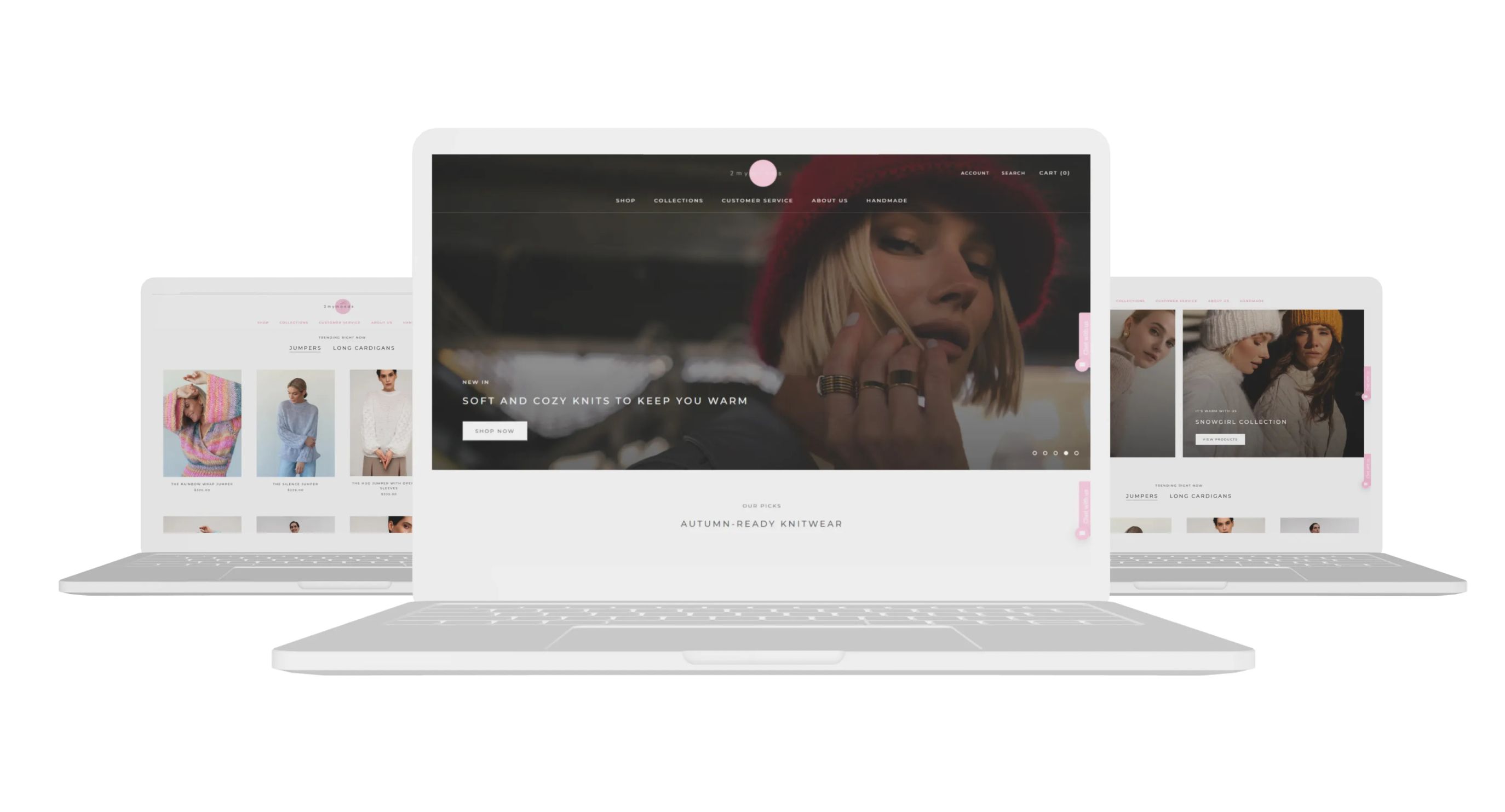
A store page on desktop and mobile screens, where 3D and AR media can be added.
How an AR project works, step by step.
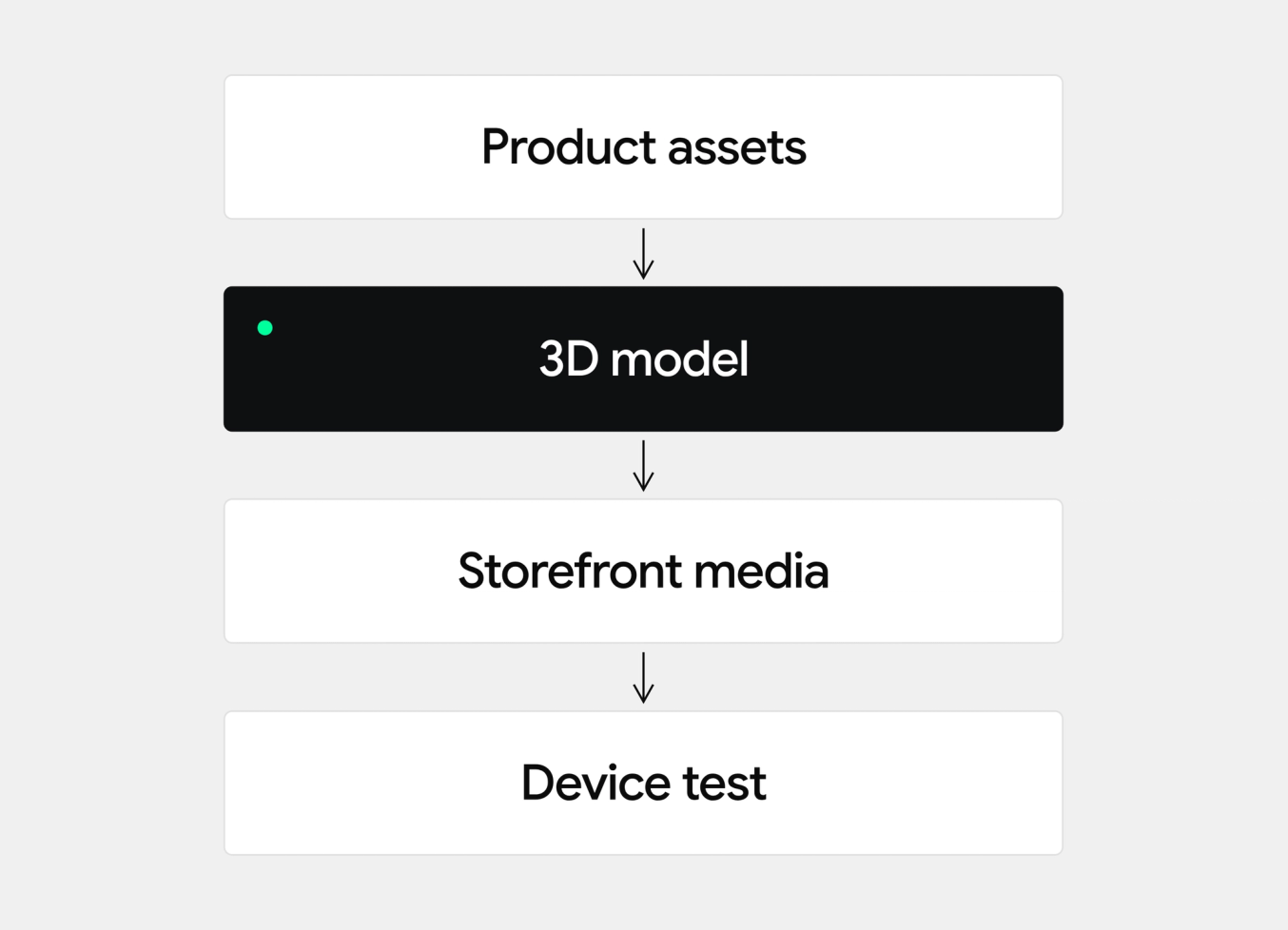
Before you can add AR to a store, you need digital content and a way to relate it to the shopper’s context. We research the market and the user, then design the experience around a specific customer need.
First, create 3D models of the products. Then develop and integrate an AR viewer or a custom solution for your store. On Shopify, 3D models can be added as product media and shown in a compatible theme, and third-party apps can add further viewer and AR features. We assess which approach fits your catalog and theme.
We test the models and the viewer in a development environment, on the devices and browsers your customers use, before anything goes live.
Deployment puts the tested experience on live product pages, with a conventional image fallback for shoppers who cannot or do not want to use AR.
Shopify supports 3D models as product media, so a compatible theme can show a product in 3D and, on supported iOS devices, place it in the shopper’s space. File formats and limits are set by Shopify, so we check the current documentation for each project.
The Shopify App Store lists apps that add 3D viewers, AR previews or product configurators. Features, pricing and compatibility differ by app and theme, so we evaluate the options against your products before choosing.
When an app does not fit the products or the design, a custom 3D or AR experience can be built into the storefront.
We start with the product and the shopping question it needs to answer. Then we define the model, decide how it should appear on product pages, connect it to a compatible theme or custom experience, and test loading and interaction across devices. A useful launch includes a conventional image fallback for shoppers who cannot or do not want to use AR.
For jewelry, a rotating model can reveal details that a single photograph hides. For home goods, an AR view can help a shopper understand how an item might sit in a room. For fashion and accessories, the available experience depends on the product, modeling method and device. We assess the use case before recommending a build.
Tell us which products you want to show, what media you already have, and what customers ask before purchase. We can review the technical path and the assets needed for a first release. Further reading: eCommerce Product Page Design Guide.
Yes. Shopify supports 3D product media. A compatible theme or theme update is needed to display and use it properly. We review the theme and product assets before choosing an implementation. Shopify source.
The experience depends on the device, browser and way the product media is implemented. We test the intended journey on the devices your customers use and keep conventional product media available as a fallback.
Start with a representative product, the product media you already have and the customer question the experience should answer. From there, the team can assess what model and storefront work would be needed. Related reading: Product Video Best Practices for Shopify Brands.
We use necessary cookies to run the site. With your permission we also use analytics and marketing cookies to enhance your browsing experience. Review our Cookie Policy.
Your privacy choices
We use cookies to run the site, understand how it is used and measure our marketing. You can opt out of analytics and of the sale or sharing of your information at any time. We honour the Global Privacy Control signal. Review our Cookie Policy.
Cookies
We use cookies to run the site and to understand how it is used. You can change this in the settings. Review our Cookie Policy.
Cookie settings
Turning marketing off stops the sale and sharing of your information for advertising. A Global Privacy Control signal from your browser already does this.