

You’re probably in one of two situations right now.
Either you already have a post purchase survey installed, but it’s collecting vague answers like “Instagram” and “good,” which doesn’t help anyone make a budget or CRO decision. Or you don’t have one yet because every guide makes it sound easy, then skips the part where your team has to set it up inside Shopify, route the data somewhere useful, and trust it enough to act on it.
That gap is where most survey programs fail. The problem usually isn’t the tool. It’s the strategy, the timing, and the lack of a clean operating system behind it.
A good post purchase survey does three jobs at once. It captures zero-party data customers willingly give you. It reveals friction your analytics can’t explain. And it gives operators and marketers a practical layer of attribution that doesn’t depend entirely on platform reporting.
The Untapped Goldmine After Checkout
Most Shopify stores spend heavily to get the sale, then go quiet the moment checkout ends. That’s backward.
The seconds after purchase are one of the rare moments when a customer is engaged, identifiable, and still remembers what pushed them to buy. If you don’t ask then, you usually lose the cleanest version of that answer.
What a survey should actually collect
A first post purchase survey should focus on three kinds of insight.
Attribution data: Learn what the customer remembers as the reason they discovered or chose you.
Copy-ready example: How did you hear about us?Friction data: Find the parts of your site or checkout flow that almost killed the sale.
Copy-ready example: Was anything unclear or frustrating during checkout today?Validation data: Confirm what value proposition landed.
Copy-ready example: What made you choose this product today?
Those three question types give you a much better read on what’s happening than another dashboard full of modeled assumptions.
Practical rule: If a question won’t change budget, messaging, UX, or merchandising, don’t ask it in the first survey.
Why this matters commercially
A lot of teams still treat surveys like a “nice to have” CX feature. That undersells their impact. According to Narvar’s 2025 State of Post-Purchase Report, a poor post-purchase experience has a significant negative impact on sales and retention, and optimizing those touchpoints can accelerate repurchase rates.
That matters because post-purchase issues rarely stay post-purchase. Delivery anxiety, unclear expectations, and support friction feed directly into repeat purchase behavior, support volume, and brand trust.
A short survey helps you catch the causes early. If buyers repeatedly say delivery timing was unclear, packaging looked different from product photos, or checkout felt confusing, you don’t need to guess what to fix next.
For brands that also sell through crowdfunding or pre-order style launches, the same logic applies. If you want a useful parallel for collecting fulfillment and buyer-intent feedback after the order, this guide on how to gather data with Kickstarter surveys is worth reading because it shows how structured post-order questions can surface operational issues before they turn into support problems.
The less-is-more reality
Most stores ask too much, too early. They dump a mini Typeform on a fresh buyer and wonder why completion tanks.
Keep the first survey narrow. A few strong answers you can act on are worth far more than a long form full of drop-off.
Designing Your First High-Impact Post Purchase Survey
The biggest difference between a survey that gets answers and one that gets ignored is restraint. Most brands don’t need more questions. They need fewer, better ones.
According to LaunchScale’s guidance on post-purchase surveys, 40-70% response rates are achievable for first-order surveys when you limit them to 2-3 questions, and top brands using that method see completion rates as high as 83.34%.

Start with one business goal
Don’t launch a survey because “we should be collecting feedback.” That creates generic questions and vague analysis.
Pick one primary objective for the first version:
- Attribution clarity if paid spend is hard to evaluate.
- Checkout friction detection if conversion is soft or cart abandonment feels unexplained.
- Offer validation if you need to know what messaging or product angle is driving the sale.
Once one use case works, layer in the next one.
The best first-question mix
For most Shopify stores, this is the cleanest starting structure:
| Question Type | Strategic Goal | Example Question |
|---|---|---|
| Attribution | Capture remembered discovery channel or influence | How did you hear about us? |
| Friction | Identify blockers in the purchase journey | Was anything unclear or frustrating during checkout today? |
| Validation | Learn what drove the decision | What made you choose this product today? |
That’s enough to produce actionable signal without overwhelming the customer.
What works better than generic templates
Some questions sound smart but don’t produce usable answers. “How was your experience?” is a classic example. It’s broad, polite, and hard to action.
These tend to work better:
Attribution question
Use a simple open-text version first.
How did you hear about us?
Why open text beats a long multiple-choice list at first: customers don’t think in your channel taxonomy. They say “a creator on TikTok,” “Google,” “my friend,” or “saw you a few times on Instagram.” That language is messy, but it’s useful. You can categorize it later.
If you force a rigid dropdown too early, you’ll get cleaner data that’s less truthful.
Friction question
Use language tied to the buying moment.
Was anything unclear or frustrating during checkout today?
That phrasing gives you practical responses like shipping confusion, promo code issues, page load complaints, sizing uncertainty, or trust concerns. It tends to surface conversion blockers your session recordings only hint at.
Validation question
Anchor it to the decision.
What made you choose this product today?
This pulls out the purchase driver in the customer’s own words. That’s useful for product page hierarchy, ad copy, email angles, PDP bullets, and merchandising.
Ask about the decision they just made, not every possible aspect of the brand.
Deployment methods compared
Where you ask matters almost as much as what you ask.
Thank-you page
Best for immediate attribution and checkout-friction questions.
Pros
- Captures the freshest memory of the purchase
- High visibility
- Easy to tie to order context inside Shopify
Cons
- Not useful for product satisfaction yet
- Customers may skip if the page feels cluttered
This is the best starting point for most stores. Use Shopify’s thank-you page extensions or an app built for post-purchase survey placement.
Best for delivery, product, or satisfaction feedback after the item arrives.
Pros
- More room for context
- Better for follow-up sequences
- Easy to personalize with order details
Cons
- Lower attention than an on-site survey
- Generic sends underperform
Email works well when you ask after a meaningful milestone, like delivery or first use.
SMS
Best for very short, high-intent prompts.
Pros
- Strong immediacy
- Good fit for mobile-first brands
- Useful for one quick question
Cons
- Easy to overuse
- Limited space and lower tolerance for complexity
Use SMS if your retention stack already performs well there. Don’t make SMS your first survey channel if the team hasn’t already built good consent and message discipline.
The best app stack for Shopify
For non-technical teams, these are the practical options:
- KnoCommerce: Strong for dedicated post purchase survey workflows and zero-party data collection.
- Fairing: Good when you want a straightforward attribution-first setup.
- Triple Whale: Useful if you want survey inputs closer to your attribution reporting environment.
- Klaviyo and Attentive: Best used for follow-up delivery and lifecycle survey sends, not as the primary survey engine.
- Shopify Flow: Helpful for tagging customers, routing follow-ups, and triggering internal alerts based on responses.
A simple version works well: collect on the thank-you page with a survey app, sync responses into Shopify customer or order tags, then trigger customized follow-up through Klaviyo.
Smart Deployment Tactics to Boost Response Rates
Good survey design dies quickly if the delivery is wrong. Timing, audience selection, and storefront context decide whether customers respond or bounce.
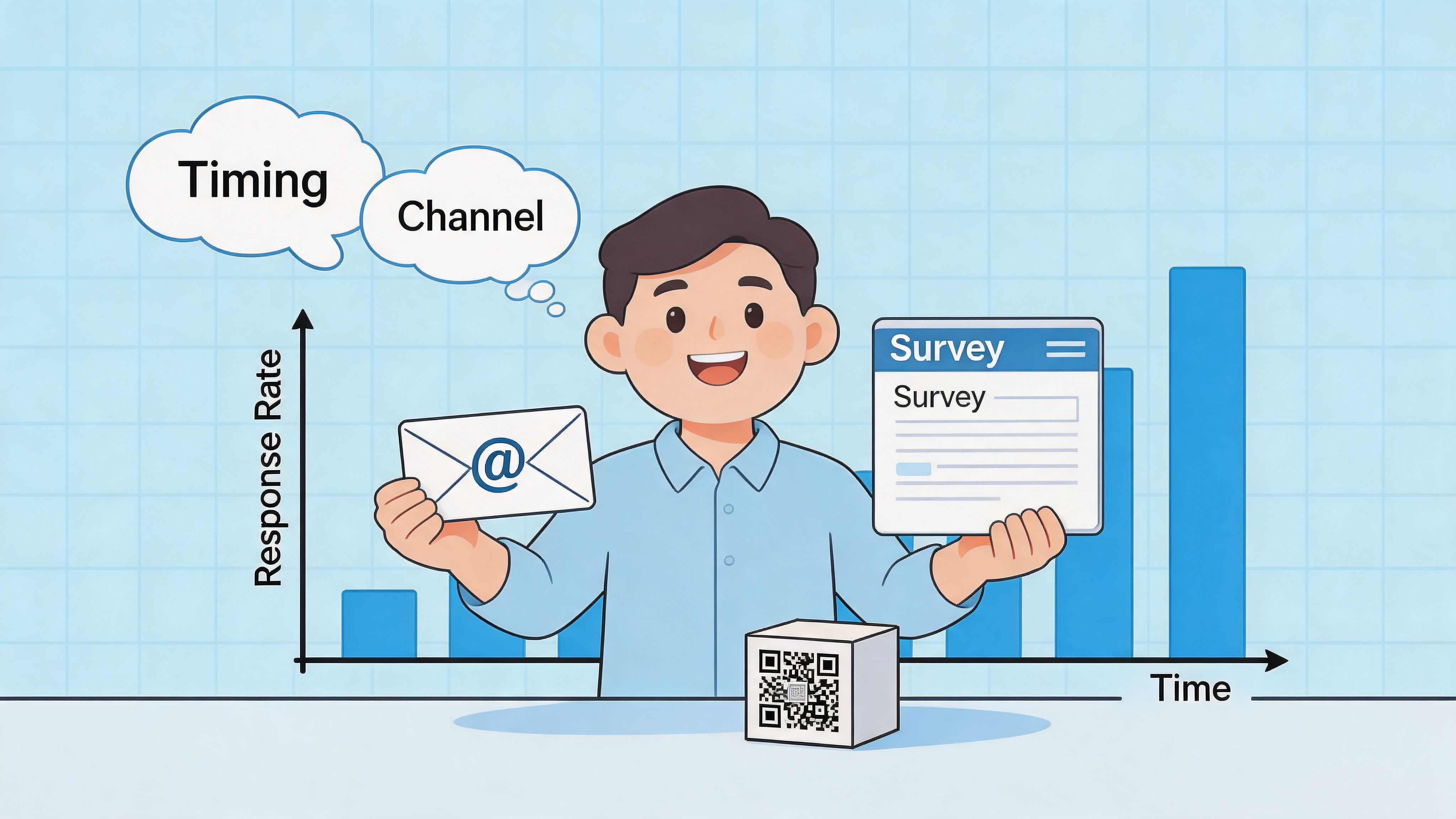
Match the trigger to the question
A smart deployment plan uses different touchpoints for different jobs.
- Immediately after checkout: Ask attribution and checkout-friction questions.
- Post-delivery: Ask about delivery expectations, packaging, and first impressions.
- After initial use: Ask about product fit, quality, or confusion around usage.
A lot of stores try to collect all of that in one place. That’s what causes bloated surveys and noisy answers.
The app and flow setup that’s easiest to maintain
For a first rollout, keep the system boring on purpose.
Use a survey app on the thank-you page. Push the response into Shopify customer metafields, tags, or your survey app’s native destination. Then use Shopify Flow or your ESP to trigger one of a few simple actions:
- Create a support alert if a response signals friction or dissatisfaction
- Tag attribution source when the answer is clear enough to categorize
- Trigger a follow-up email for customers who mention a product concern
- Send internal weekly digests to marketing and CX
This avoids the common mistake of exporting CSVs nobody revisits.
Deployment by business maturity
Not every store should run the same cadence.
Early-stage brands
Keep it tight. Ask what convinced the customer to buy and whether anything felt off.
The goal is to learn whether the offer is resonating and whether the storefront is removing confidence right before purchase.
Growth-stage brands
Add more structure. You likely need channel insight and clearer friction patterns because spend is scaling and small leaks start getting expensive.
This is the stage where thank-you page surveys plus post-delivery email follow-ups start making sense.
Enterprise and Plus brands
Use multiple survey moments, but be selective. You’re not trying to maximize volume of questions. You’re trying to build a reliable feedback layer across acquisition, checkout, fulfillment, and retention.
At this stage, the quality of routing matters more than the quantity of responses. Teams need answers to reach the right owner fast.
A survey program gets stronger when it becomes part of operations, not just reporting.
What improves participation without hurting data quality
A few practical tactics work consistently:
- Keep it mobile-first: Most customers will see the survey on a phone, so large tap targets and one-screen formats matter.
- Use plain language: Customers answer faster when the wording sounds like a human, not a market research panel.
- Personalize lightly: Referencing the order or product can help. Over-personalizing the prompt can feel forced.
- Offer a small incentive carefully: Useful if response volume is low, but don’t train every customer to expect a reward for basic feedback.
- Avoid surveying repeat buyers too often: Survey fatigue is real, especially for brands with short reorder cycles.
The stores that get the best signal usually feel restrained. Their survey appears in the right moment, asks one or two relevant things, and disappears.
Matching Survey Strategy to Your Business Growth Stage
The biggest mistake in post purchase survey strategy is treating every brand the same. A newer store needs clarity on demand and positioning. A larger store needs sharper diagnostics, cleaner attribution workflows, and more nuanced retention insight.
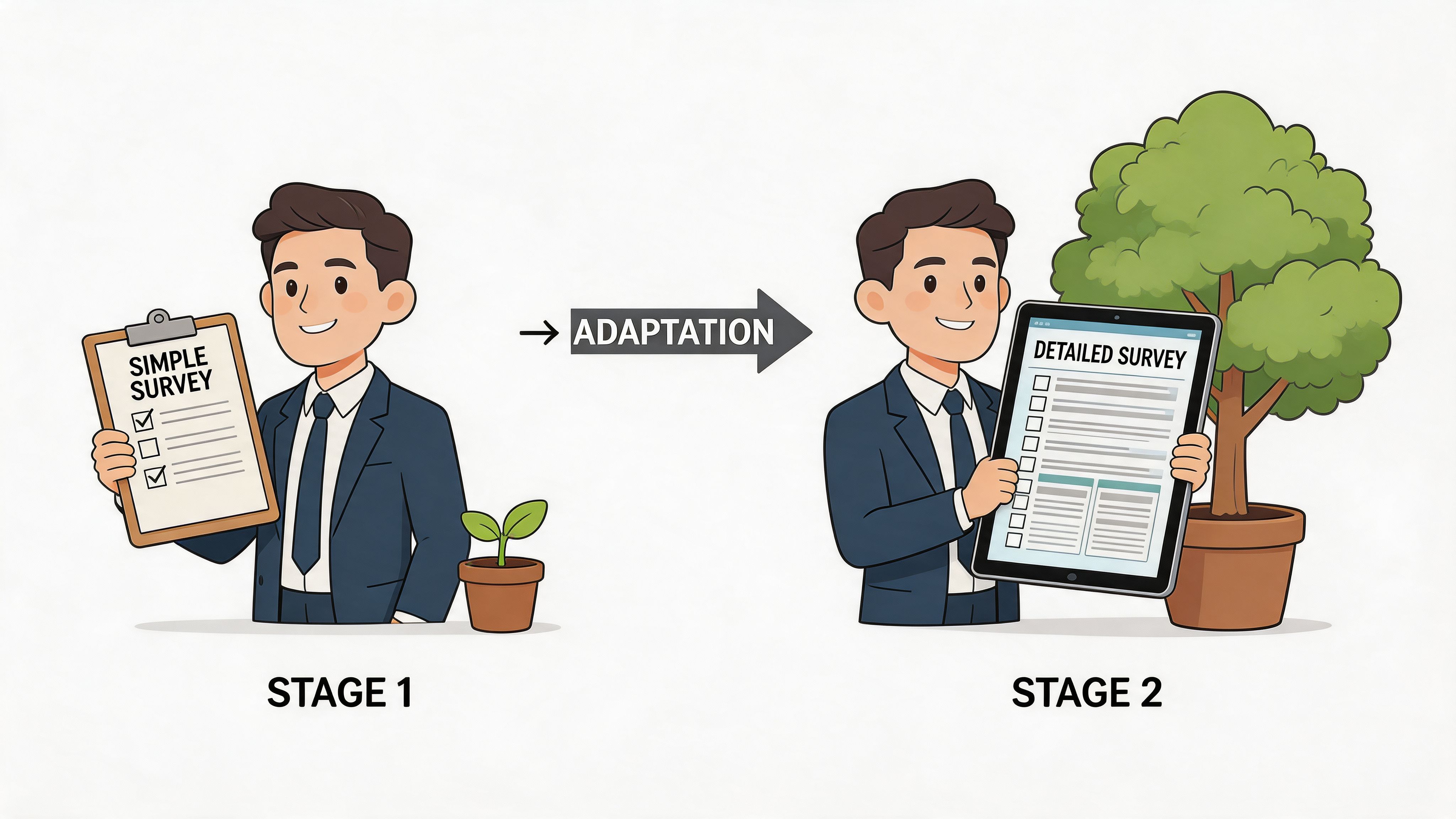
According to KnoCommerce’s discussion of underrated post-purchase questions, there’s a real gap in generic survey advice because strategy should adapt to revenue stage. For established brands at $2M+ annual revenue, one underrated question is “Was there anything difficult about using our website today?”
Emerging brands
If your store is still proving product-market fit, don’t waste responses on fancy segmentation.
Ask questions that test the basics:
- Why did you buy today?
- What nearly stopped you?
- How did you first hear about us?
You need to know whether buyers understand the offer, trust the site, and connect with the value proposition you think you’re selling. At this stage, the best use of survey data is often message refinement. If customers keep describing your product differently than your homepage does, your positioning likely needs work.
Scaling brands
Once the store has traction, the survey becomes more operational.
This is usually where teams start needing a usable zero-party data layer to complement ad platform reporting and internal analytics. If you want a strong background on that concept, ECORN’s guide to zero-party data in eCommerce is a useful reference.
For scaling brands, the survey should answer questions like:
| Business Need | Survey Signal | Action |
|---|---|---|
| Paid efficiency | Recalled discovery sources | Rebalance spend or creative emphasis |
| CRO improvement | Repeated friction themes | Prioritize checkout and PDP tests |
| Merchandising clarity | Purchase motivators | Rewrite product page hierarchy and bundles |
This is the point where survey data becomes less about curiosity and more about resource allocation.
Established and Plus brands
Larger brands should ask more mature questions, not just more questions.
The underrated question from KnoCommerce works because it detects subtle usability friction. Established stores often don’t suffer from obvious checkout failures. They lose revenue through smaller, cumulative issues like variant confusion, search frustration, unclear shipping info, or visual clutter.
Those are hard to catch in analytics alone because the customer still converts. But the friction lowers confidence, increases support dependence, and can hurt future purchase intent.
How to connect findings to action
A post purchase survey only matters if somebody owns the next move.
Use this kind of routing logic:
- Attribution themes go to paid media and lifecycle teams
- Checkout or UX complaints go to CRO, design, and development
- Delivery or support complaints go to CX and operations
- Product expectation gaps go to merchandising and creative
The value isn’t in collecting a response. The value is in shortening the time between a customer saying something and your team changing something.
This is also where many non-technical teams get stuck. They can collect responses, but they can’t tie them to decisions without adding manual work. The fix is simple. Keep your categories limited, assign an owner to each category, and build lightweight rules in your survey app, Shopify Flow, or ESP. You don’t need a data engineer to move useful survey data into the hands of the people who can use it.
Turning Survey Data into Actionable Insights
Collecting answers is easy. Trusting them is harder.
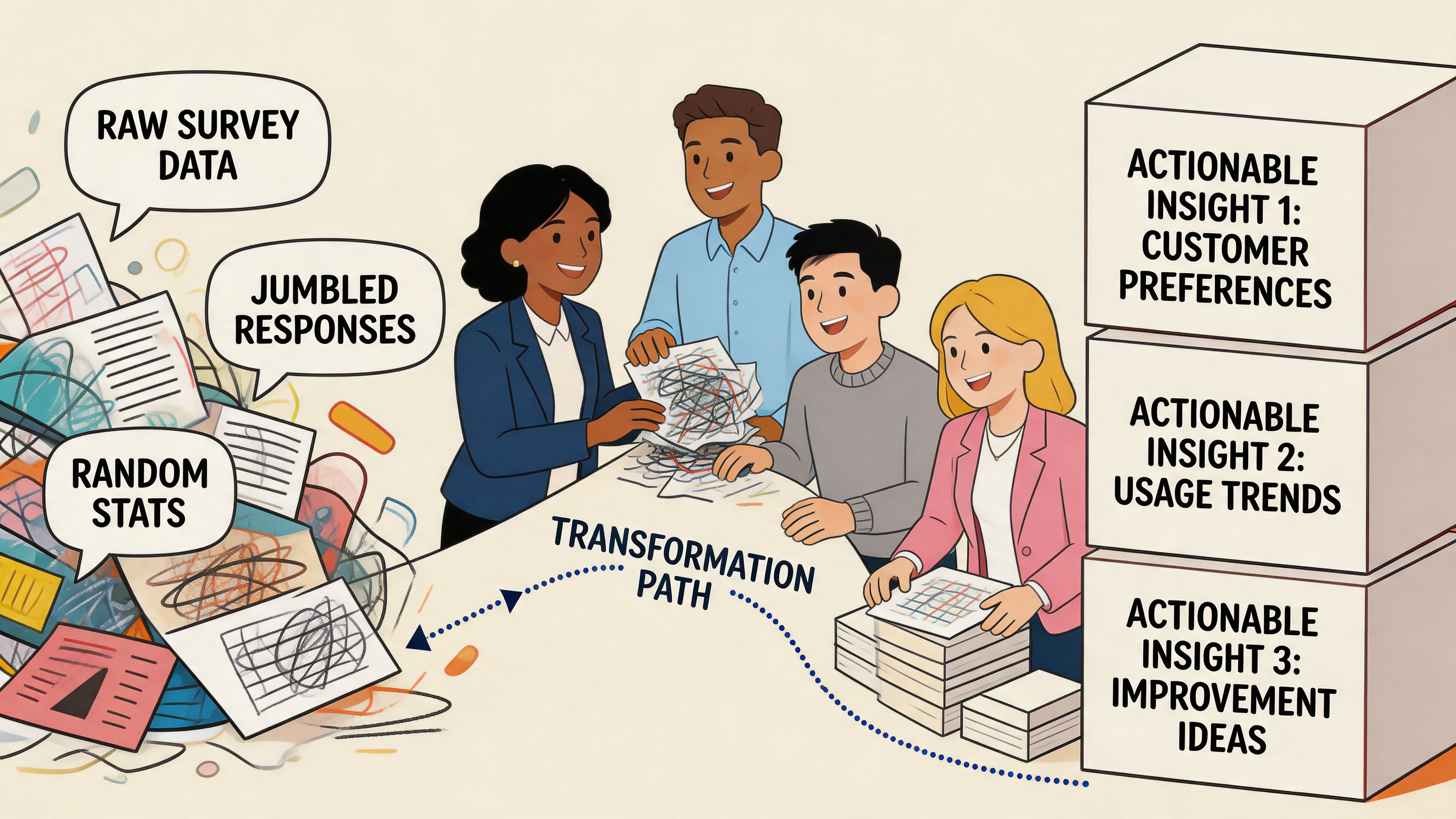
A lot of stores install a survey app, see strong response volume, then assume they now have perfect attribution. That’s where things go sideways. According to Triple Whale’s benchmark data on post-purchase surveys, on-site surveys can reach 40-70% response rates, but 80% of brands fail to properly validate the data, which can worsen marketing mix model accuracy because of recall bias.
Build a simple categorization system
Start by translating raw text into a small set of usable buckets.
If customers answer “TikTok creator,” “Instagram reel,” “friend sent it,” and “saw someone using it,” you don’t need ten separate channels in your reporting. You need a sensible classification model your team can maintain.
A simple approach looks like this:
- Paid social
- Organic social
- Search
- Word of mouth
- Influencer or creator
- Email or SMS
- Unknown
The biggest discipline here is not forcing uncertain answers into a confident bucket. Unknown is a valid category. It’s better than fake precision.
Validate before you redistribute budget
Survey attribution is memory-based. Platform attribution is behavior-based. Neither is perfect.
That means the right approach isn’t choosing one and discarding the other. It’s comparing patterns. If your survey says customers keep mentioning creators and word of mouth while your reporting stack over-credits retargeting, that’s a useful signal. But it still needs validation before you move spend aggressively.
Good validation questions include:
- Are survey-reported channels directionally consistent over time?
- Do survey answers align with seasonal campaign activity?
- Do changes based on survey insights improve downstream performance?
- Are certain answers suspiciously vague or overrepresented?
How non-technical teams should integrate survey data
You do not need a warehouse project to make this useful.
Use your survey tool to pass responses into Shopify, Klaviyo, or your reporting platform. Then create a weekly operating cadence:
- Marketing reviews attribution themes
- CRO reviews friction themes
- CX reviews post-purchase complaints
- Leadership reviews only the decisions made from the data
That last point matters. Teams get overwhelmed when they stare at raw responses. They get traction when someone summarizes the top patterns and recommends actions.
If you’re thinking more broadly about how AI may reshape this layer of customer understanding, it’s worth looking at how an AI shopping agent works. The relevant takeaway isn’t that every store needs one. It’s that structured customer intent data is becoming more valuable, not less, as AI-driven commerce gets better at interpreting signals.
For a more practical store-operator angle, ECORN’s guide on using customer data to increase sales is a solid companion read because it connects data collection to actual merchandising and marketing decisions.
Survey data should sit in the same conversation as creative testing, funnel analysis, retention planning, and support trends. If it lives alone, it won’t move revenue.
Treat surveys as a growth system
This is why post purchase surveys matter more than a feedback widget. They reveal what customers remember, what they struggled with, and what they valued enough to mention voluntarily.
That combination makes them one of the most practical tools a Shopify team can run, provided the data is reviewed critically and routed cleanly.
From Guesswork to Growth Engine
A strong post purchase survey program doesn’t start with fancy dashboards. It starts with a few disciplined choices.
Ask fewer questions. Ask them at the right moment. Match the question to the customer’s stage in the journey. Then make sure every answer has somewhere to go inside the business.
That last part is where many teams stall. As noted by 021 Newsletter’s analysis of post-purchase survey attribution challenges, non-technical eCommerce teams often struggle to connect customer-recalled insights to spend analysis and budget decisions without creating bottlenecks. That’s real. But it’s also fixable if you keep the workflow simple and resist turning the survey into a sprawling data project.
If you’re launching your first program, don’t aim for total coverage. Aim for reliable signal.
A good first version might be one thank-you page question for attribution, one friction question for new customers, and one post-delivery follow-up for product or fulfillment feedback. That’s enough to uncover blind spots in acquisition, UX, and retention.
The stores that get the most value from surveys aren’t asking more. They’re listening better, validating what they hear, and acting faster.
If your Shopify team wants help building a post purchase survey program that informs attribution, CRO, and retention, ECORN can help design the flow, implement it in Shopify, and turn the response data into actions your team can use without adding technical overhead.



How to Choose a Shopify Plus Web Design Agency in 2026
Shopify Plus Ecommerce Agency: How to Pick the Right One
Shopify Themes Retina: How to Serve 2x Images

How to Cross Sell on Shopify Without Friction
Best Shopify Theme for Custom Products Compared
Multi Store Inventory Management: A Practical Guide

SEO Consulting for Ecommerce: A Practical Guide
Shopify Theme Updater App: A Safe Update Playbook
Shopify Git Integration: A Developer's Guide to 2026
Headless Ecommerce Development Services Explained

How to Build a Shopify Clothing Website That Converts

How to Launch a Box Subscription Business in 2026

Luxury Skincare Branding Playbook That Converters

10 Best Podcast Ecommerce Shows for Store Growth in 2026

Shopify Developer Hourly Rate: What to Pay in 2026

Critical Shopify Setup Errors That Are Secretly Sabotaging Your Store

Ecommerce Conversion Tracking: The Complete How-To Guide

Shopify Design Agency: How to Pick the Right Partner

Mastering Multi Store Management on Shopify

Scale Shopify Store

10 Shopify App Ideas Worth Building in 2026

Conversion Rate Optimization for Landing Pages: The Playbook

Shopify Plus Automation: A Guide for 2026

10 Social Selling Platforms for Shopify Merchants

Shopify Website Design Examples: 7 Stores Worth Studying

7 Ecommerce Newsletter Examples for Shopify Brands

One Product Shopify Store: Build and Scale

Mobile Pop Up Strategy for Shopify Stores That Converts

Sitemap for Shopify: How to Find, Optimize, and Submit It

7 Single Product Websites Worth Emulating

Product Variants Shopify: The Complete 2026 Guide

Ecommerce Analytics Consulting for Growth

What Is AI Integration for eCommerce

How to Choose the Right eCommerce Website Development Firm

E Business Strategy Implementation

Conversion Tracking Setup for Shopify Stores

BigCommerce vs Shopify Plus Which Enterprise Wins in 2026

Shopify Theme Kit: Setup, Commands, and Migration Guide

Shopify Extension Development: A Practical 2026 Guide

Shopify Speed Score Explained and How to Improve It

Shopify Mobile Optimization: The 2026 Playbook

How to Add Subcategory in Shopify for Better UX

How to Implement Structured Data for Ecommerce in 2026

SEO App Mobile: Shopify Store Optimization Guide

Shopify Plus Support: What It Includes and How to Choose

Google Ads for Shopify: The Complete 2026 Playbook

Shopify New York: How to Find and Hire the Right Agency

Google Search Console for Shopify: The Complete Setup

First Party Data Collection for eCommerce Growth

FAQ Online Store Guide: Build and Measure It Right

Do FB Ads Work for eCommerce in 2026?

One Page Checkout for Shopify: Design and Implementation

Shopify GraphQL vs REST: The 2026 Developer Decision

Shopify Ecommerce Consulting: Strategy, Pricing &

Are Reddit Ads Worth It for eCommerce Brands

Shopify Title and Meta Description: A Practical 2026 Guide

Product Video Best Practices for Shopify Brands

Real-Time Inventory Management: A 2026 Guide

AI Chatbot Integration for Shopify Stores

Affiliate Program Management: A Shopify Guide

10 Best Performance Monitoring Tools for Shopify in 2026

Digital Asset Management for eCommerce Brands in 2026

Every Type of Facebook Ads Explained for eCommerce Growth

Product Information Management Explained for Shopify Brands

Support Ticket System: A Guide for Shopify Stores

10 Best Customer Service Tools for Shopify in 2026

Can I Start a Business with No Money? a 2026 Blueprint

What Sells Good on Etsy: Best Niches for 2026

Shopify Add to Cart Button: A Practical 2026 Guide

Customer Feedback Automation: A Practical eCommerce Guide

Critical Rendering Path: A Guide for Shopify Stores

How to Promote on TikTok for eCommerce in 2026

B2B eCommerce Consulting That Drives Real Revenue

10 Best Practices for Site Navigation in 2026

Return vs Refund for Shopify Stores: A Practical Guide

What Is Customer Lifetime Value and Why It Matters

What Is Voice of Customer Research for eCommerce

SMS Marketing for Ecommerce That Actually Converts

Master How to Improve Email Deliverability in 2026

Top 8 eCommerce Partners NYC for Shopify Brands in 2026

Machine Learning for Ecommerce: Boost Your Shopify Store

Beauty Market Research: Your 2026 Growth Guide

Shopify International Expansion: A 2026 Roadmap

What Does CRO Stand for in Business: Understanding CRO

Shopify Visual Merchandising: A Playbook for Higher Sales

Shopify Landing Page Design: Master Conversion in 2026

10 Best AI SEO Optimization Tools for Shopify in 2026

Agentic AI for Ecommerce: Boost Your Sales in 2026
Mastering Email Marketing Data for eCommerce Growth

Conversion Rate Optimisation Australia: Boost Your Sales

Conversion Rate Optimization AI: Your Shopify Store Guide

10 Product Bundling Strategies for Shopify in 2026

How to Increase Customer Lifetime Value: A Shopify Playbook

AI Customer Service Automation: Shopify Guide 2026

Clean Website Design: A Shopify Conversion Playbook

Omnichannel Retail Strategy: A Shopify Playbook

Product Data Enrichment: A Guide for Shopify Brands

Instagram Shopping Features a Guide for Shopify Stores

What Is Revenue Optimization: A Holistic RevOps Guide

Benefits of Conversion Rate Optimization: Boost Your


newsletter in your inbox