

You need a sale landing page live by Friday. You also need a cleaner product page by next month, and your theme editor won't quite do either job. That's the usual moment a Shopify design app search starts, and it's also where most stores pick the wrong tool.
A full page builder is overkill for one missing section. A section library won't help you test campaign pages every week. An AI draft still needs someone to fix spacing, mobile layout, and brand fit. The ten options below are sorted by the job they do, from theme-section tweaks and full page building to campaign testing, AI-drafted pages, and agency-led design.
Choice isn't the problem. A third-party dataset on ShopAppDB's App Store statistics lists Store design as the largest category at 8,267 apps, so ratings alone won't narrow this down. Match the tool to the urgent problem first, then compare templates and price. If you're still designing a Shopify storefront from the ground up, start with the theme. Add an app only for the gap the theme can't close.
Practical rule: Pick for the page you must ship next, not for the redesign you might do next year.
1. ECORN
Some storefront problems stop being an app problem. A page builder handles layout, but it can't build a personalization feature, restructure your metafields, or ship a custom theme. ECORN is the agency-led option on this list: a Shopify Partner Agency that does the design and development work instead of handing you another editor to learn.
The work covers store design, custom Shopify and Shopify Plus development, CRO, consulting, and app development. That ranges from minor theme adjustments to full custom theme builds, with full-stack work across Shopify, React, Node, and Liquid. The team has created over 10 Shopify apps for clients, and builds apps that serve thousands of stores, so product design for an app sits next to storefront design in the same engagement.
How the engagement works
Entry is flexible. You can book a single project at $69 per hour with no minimum or maximum project size, or take a monthly pack. All three monthly packs include development and design work, dedicated Shopify experts, project management, and fast turnaround, with packages starting at 35 hours per month. The Shopify pack runs $6,400 per month for 160 hours of the eCommerce team and fits scaling brands on Shopify Plus or running multiple storefronts.
The pricing model is the trade-off. You're buying capacity, not a subscription to software.
The model pays off when a task crosses disciplines. Say a product page needs a new layout, custom metafields, and a personalization feature that prints a customer's design on the product. A builder covers the first part only. An agency can design the page, build the custom pieces, and run conversion testing on the result as one job. That is the shape of the ECORN work on BAGWORKSNY, where a custom theme, structured metafields, and a personalization app shipped together.
Whatever route you take, set a performance baseline before anything goes live. Shopify's guidance on storefront performance for apps measures Lighthouse performance before and after installation, which is the right standard for any design change. Check collection, product, and landing pages on mobile and desktop, then watch real-user LCP, INP, and CLS.
Pros
- Broad Shopify expertise: Design, development, CRO, consulting, and app development sit in one team.
- Flexible entry: Start hourly on one project, then move to a monthly pack if the workload justifies it.
- Published pack structure: Hours and project management are defined up front, which makes budgeting simpler.
Cons
- Not instant or self-serve: You still need a brief, feedback rounds, and someone on your side to approve work.
- Monthly cost: A recurring pack is more than a very small store needs for one landing page.
I recommend this route when you've outgrown stacking apps, or when a builder keeps hitting a wall that needs code. If you only need one simple page this week, use a builder below instead.
2. PageFly
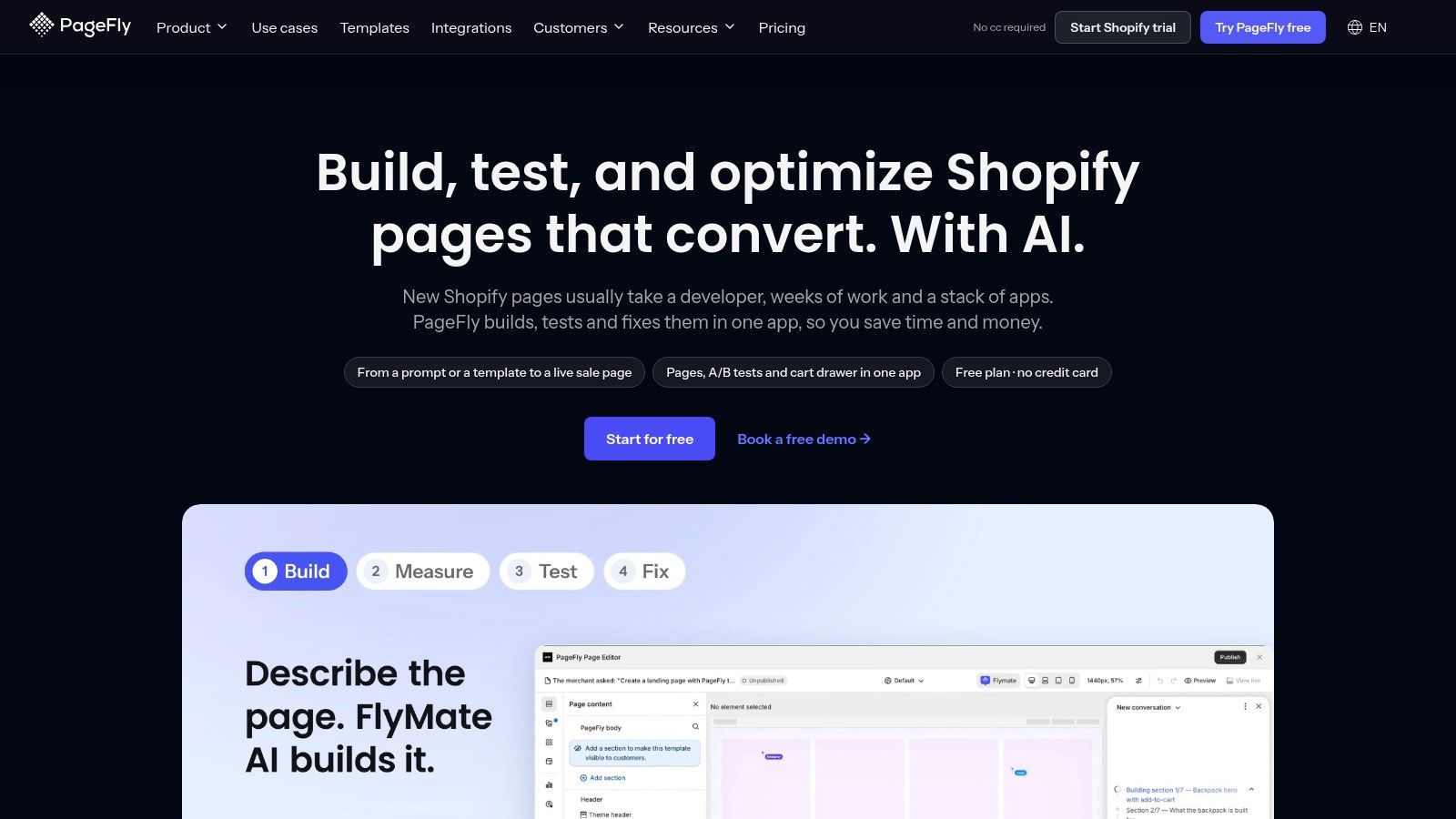
Your theme's built-in sections handle the basics, then hit a wall. PageFly is a general-purpose drag-and-drop builder for stores that want more layout control than the theme editor gives them, covering landing pages, product pages, and collection pages without editing theme code. For a small to growing store, it's a sensible first builder.
Simple pages go fast.
You drag sections in, set spacing, check the mobile view, and publish. Complex layouts take longer to learn, especially nested rows and custom spacing. Design desktop-first and you'll spend real time fixing tablet and mobile breakpoints afterward.
Where it frustrates
Freedom creates maintenance. Pages built outside your theme don't automatically inherit theme updates, so fonts, buttons, and spacing can drift over time. Check every published page after a theme change, and weigh each tool's upkeep demands against your team's capacity when comparing Shopify page builders and their trade-offs.
Performance needs the same discipline. Shopify's App Store best practices for performance state an app should not reduce Lighthouse performance scores by more than 10 points. Test PageFly on one page before you rebuild your whole store with it.
Pros
- Broad flexibility: One editor covers your main page types.
- Free plan available: You can test the editor before paying.
- Long review history: Plenty of merchant feedback to read before committing.
Cons
- Learning curve: Complex layouts aren't beginner-friendly.
- Maintenance burden: Published pages need performance and theme checks.
3. GemPages
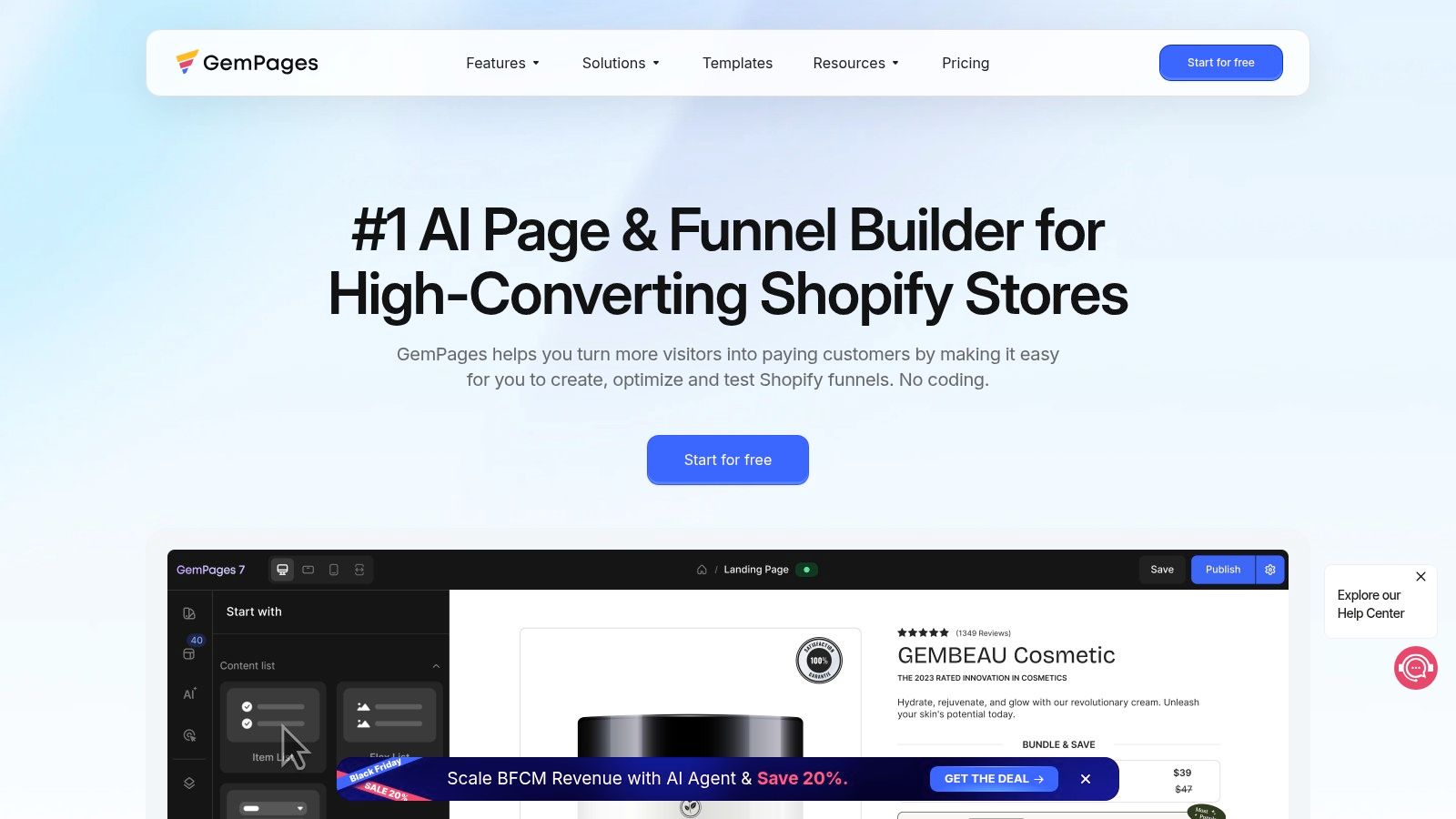
GemPages leans harder into marketing pages and sales funnels than a neutral builder does. If your week involves campaign pages, advertorial-style layouts, or custom product pages for paid traffic, that's its home turf.
The editor gives you drag-and-drop control, templates, and AI-assisted features to create or adapt a layout faster. Treat the AI output as a starting wireframe. You'll still rewrite headlines, replace generic blocks, and tighten the mobile view yourself.
That funnel focus is both the strength and the limit. A page built to convert cold ad traffic often looks wrong as an evergreen store page. It can carry too many urgency blocks, badges, and repeated calls to action for normal browsing. Keep campaign pages separate from your core templates.
Fit and friction
- Good fit: You're launching offers often and need pages that don't look like your standard product template.
- Poor fit: You want quiet, theme-native pages that a non-designer can update in two minutes.
More design freedom also means more setup than native Online Store 2.0 sections. Check plan limits on published pages and features before you build a funnel you can't scale on your tier.
Pros
- Campaign strength: Templates and funnel thinking suit promotions and product launches.
- Free plan available: Low-risk way to test your first campaign page.
Cons
- Extra upkeep: Custom pages sit outside your normal theme workflow.
- Plan limits: Confirm caps before a big launch, not during it.
4. EComposer Landing Page Builder
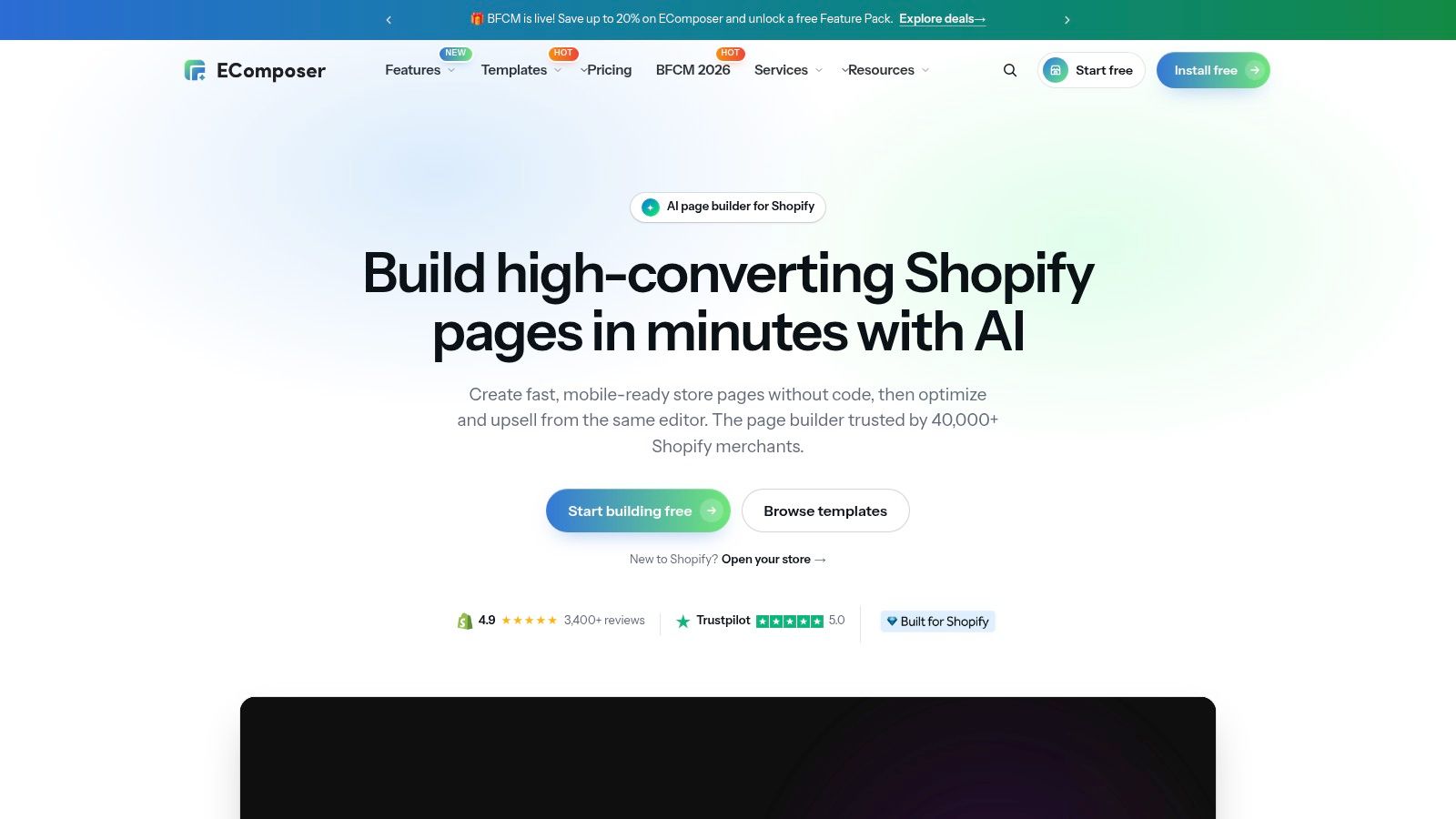
Say you need a home page refresh, two product pages, and better blog layouts, and you don't want three separate tools. EComposer pitches itself as that one visual builder across multiple page types.
Its template and component library is the main draw. You start from a prebuilt block, swap in your products and copy, and adjust styling. That beats a blank canvas when design time is short. It also helps to study strong Shopify landing page examples before you build so you know which blocks you need.
The library size cuts both ways. New users can lose time browsing components instead of shipping a page. Pick one template, lock your fonts and button styles, and reuse them. Don't mix five template styles across five pages, or your store will look patched together.
A component library is only an advantage if you stop browsing and build a small, repeatable set of blocks.
Compatibility is the other check. Test EComposer pages against your theme, review widgets, and any subscription or bundle app on the same template. Those conflicts show up on product pages first.
Pros
- Storewide use: One builder for home, product, landing, and blog pages.
- Free plan available: Easy entry for a first test page.
Cons
- Library overload: Too many components can slow decisions.
- Compatibility checks needed: Theme and app conflicts are on you to catch.
5. Shogun
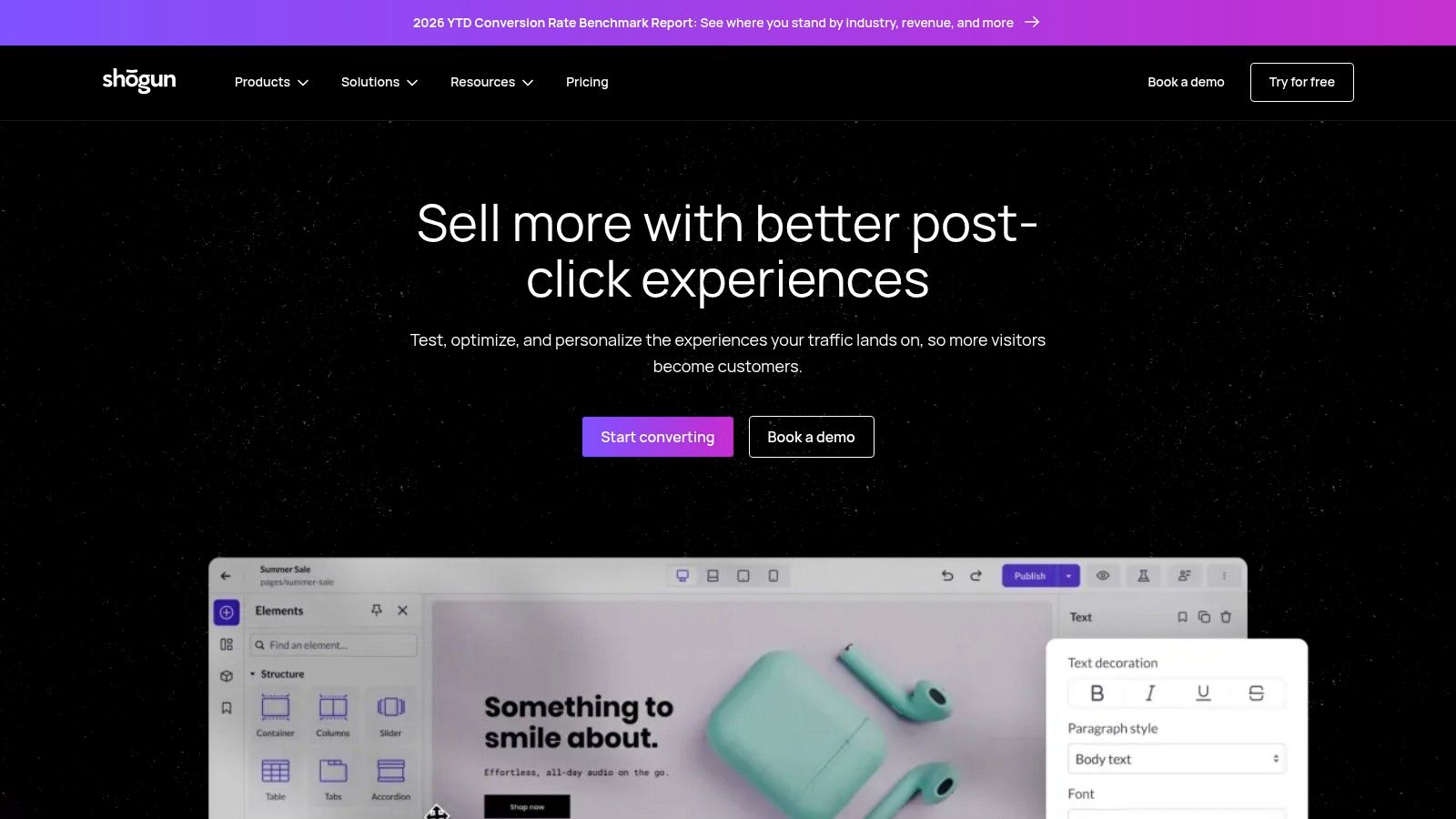
Shogun earns its keep when publishing is a workflow, not a one-off task. It covers landing pages, product pages, blog posts, and theme sections in one visual editor.
The payoff is control at volume. Reusable content sections keep shared blocks consistent, while analytics, scheduling, and multi-store features on higher tiers suit teams with handoffs and approvals. If three people touch pages every week, that governance matters more than one extra template.
A solo merchant pays for machinery they may never use. Advanced plans can be relatively expensive, and published-page limits apply on some tiers, so count live pages and weekly output before choosing. The Shopify app ecosystem has grown substantially over the years, and tools now segment by team size as much as by features.
Who should skip it
Skip Shogun if you publish four campaign pages a year. A simpler builder or native theme sections will cost less and need less process. It makes sense when page production becomes weekly: briefs, approvals, reused sections, and the same standard across stores.
Pros
- Content operations: Reuse, scheduling, and analytics help larger teams.
- Range of page types: One editor for pages, posts, and sections.
Cons
- Price at higher tiers: Hard to justify for low publishing volume.
- Page limits: Some tiers cap what you can publish.
6. Replo
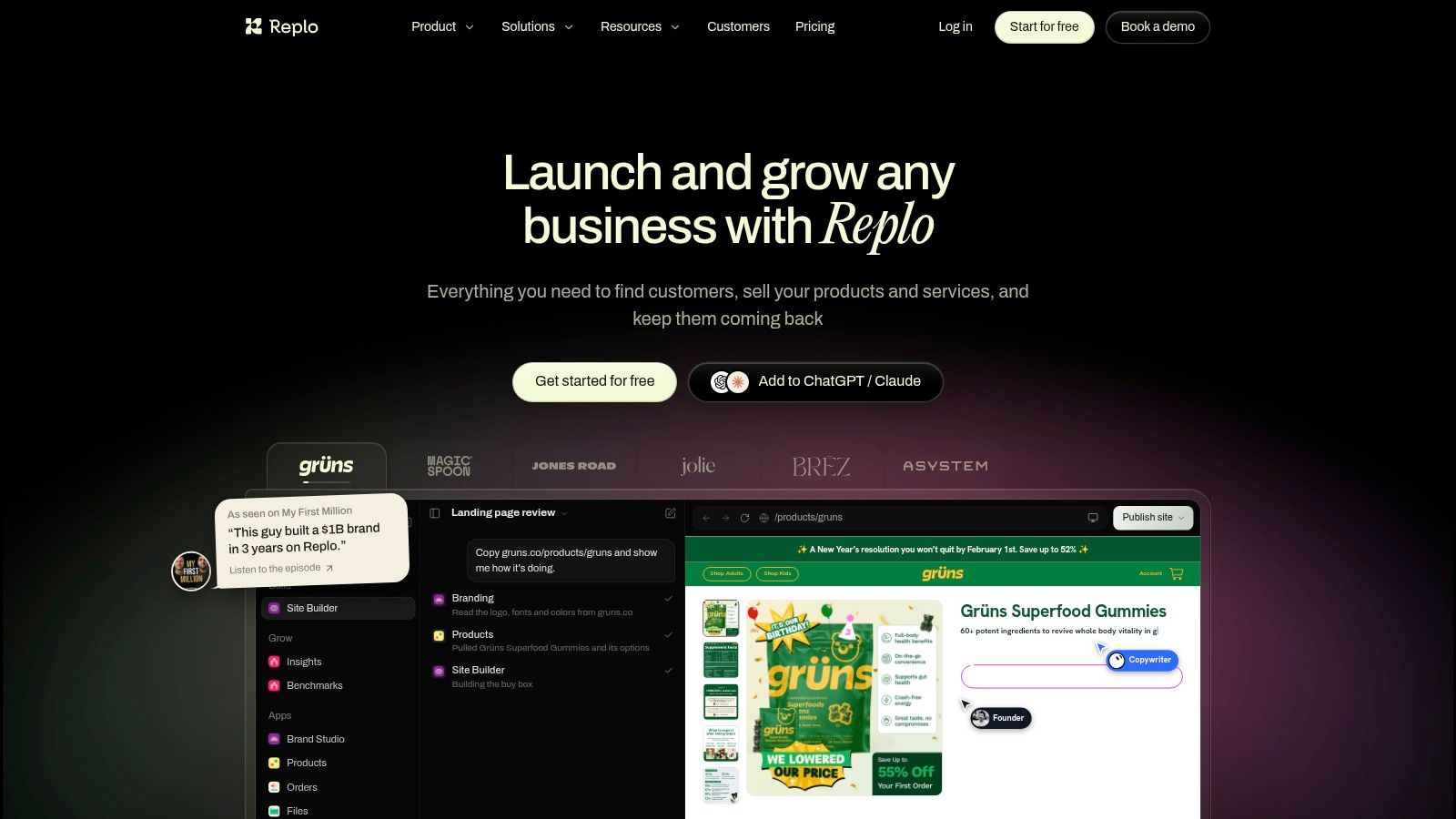
Replo is built for marketing teams that create and test campaign pages constantly. If you're not running tests, you're paying for its main advantage and not using it.
You get templates, Online Store 2.0 sections, AI generation, analytics, and A/B testing in one place. That closed loop is valuable. A team can ship two hero variants, read results, and keep the winner without stitching together a builder and a separate testing tool.
Daily use feels closer to a campaign production tool than a theme editor. That's good for landing pages tied to ads, launches, and seasonal offers. It's less natural for quiet storewide redesign work, where theme-native sections stay easier to maintain.
The cost question
Paid entry pricing is high compared with simpler builders, and published-item and testing limits vary by plan. Do the math on tests per month. If you'll run one test a quarter, the economics don't work. If paid traffic lands on new pages every week, one winning variant can justify the tier.
Access to an expert network is a useful escape hatch when your team can brief a page but can't build it. Still brief like you'd brief any freelancer, with examples, copy, and mobile references ready.
Pros
- Testing built in: Analytics and A/B testing sit beside the builder.
- Free preview available: You can evaluate the editor before paying.
Cons
- Higher paid entry: Expensive if testing volume is low.
- Variable limits: Published items and tests depend on your plan.
7. Foxify AI Store Builder
AI-drafted pages are the job here. Foxify pairs a visual editor with an AI page-building agent and conversion-focused extensions, aimed at smaller teams that want a page drafted fast and then refined by hand.
Coverage is broad for the price point. Home, product, collection, and landing pages are all supported, with templates, translation, and analytics included. Higher tiers add Figma-to-Shopify and HTML-to-Shopify importing, which matters if a designer already works outside Shopify and wants the output moved in without rebuilding.
Layout is only half of a page that converts, especially in fashion. Weak product images make even a clean template look unfinished, so clothing stores often pair a builder with an ai photoshoot for clothing brand workflow to produce campaign imagery on the same schedule as the new pages.
Where it frustrates: reviewers report customization limits and missing features, so test your real use case rather than a demo template. And like most builders, removal can leave code behind in your theme. Check for leftovers on a duplicate theme before anything touches the live store.
Test it this way
- Build one real page: Use your products, fonts, and installed apps, not placeholder content.
- Uninstall on a duplicate theme: Look for leftover code before it reaches your live theme.
- Check mobile first: AI layouts often look fine on desktop and crowded on phones.
Pros
- Free plan available: Easy to trial, with multiple paid tiers above it.
- Positive ease-of-use feedback: Reviewers commonly praise support and simplicity.
Cons
- Customization limits: Some users hit missing features.
- Uninstall cleanup: Theme code can remain after removal, so verify on a duplicate theme.
8. Omnise AI Page Builder (formerly Beae)
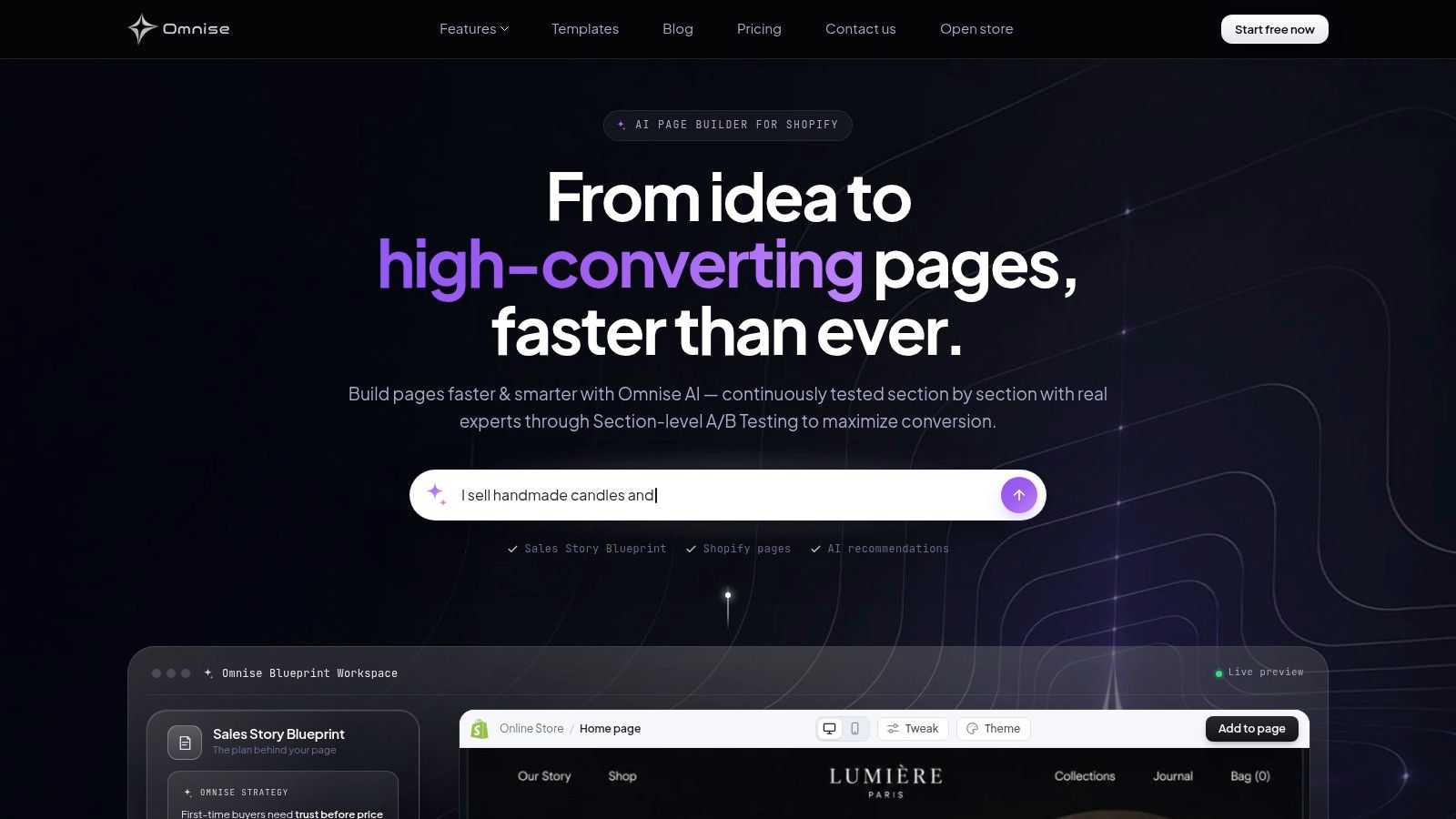
An empty campaign page is where Omnise earns its place. You describe what the page should do, it generates sections, copy, and a layout, then you refine the result in a visual editor. It suits AI-drafted pages when a small team needs a workable first version quickly.
Coverage includes landing pages and B2B storefronts, while built-in A/B testing gives campaign pages a practical next step after launch. The Built for Shopify designation and strong App Store rating help narrow the field, but they do not tell you whether the output matches your brand.
Treat every result as a draft. Generated headlines can sound generic, spacing can feel uneven, and product claims still need checking against your catalog. Brand fit, accessibility, and mobile layout all need review. If a full theme rebuild depends on precise design control, pilot one page before trusting the app with the job.
Machine-readable structure matters more now. Shopify's store design accessibility category points to the same basics: clear headings, semantic structure, and product content that people and discovery systems can parse.
Draft rule: Let AI propose the layout. Never let it approve heading order, contrast, focus states, or product claims.
Pros
- Fast ideation: Prompt-based drafts cut blank-page time.
- Free plan available: Test the workflow before paying.
Cons
- Review required: Brand, accessibility, and mobile checks are part of every page.
- Unproven for big redesigns: Pilot it before trusting a full rebuild to it.
9. Section Store Theme Sections
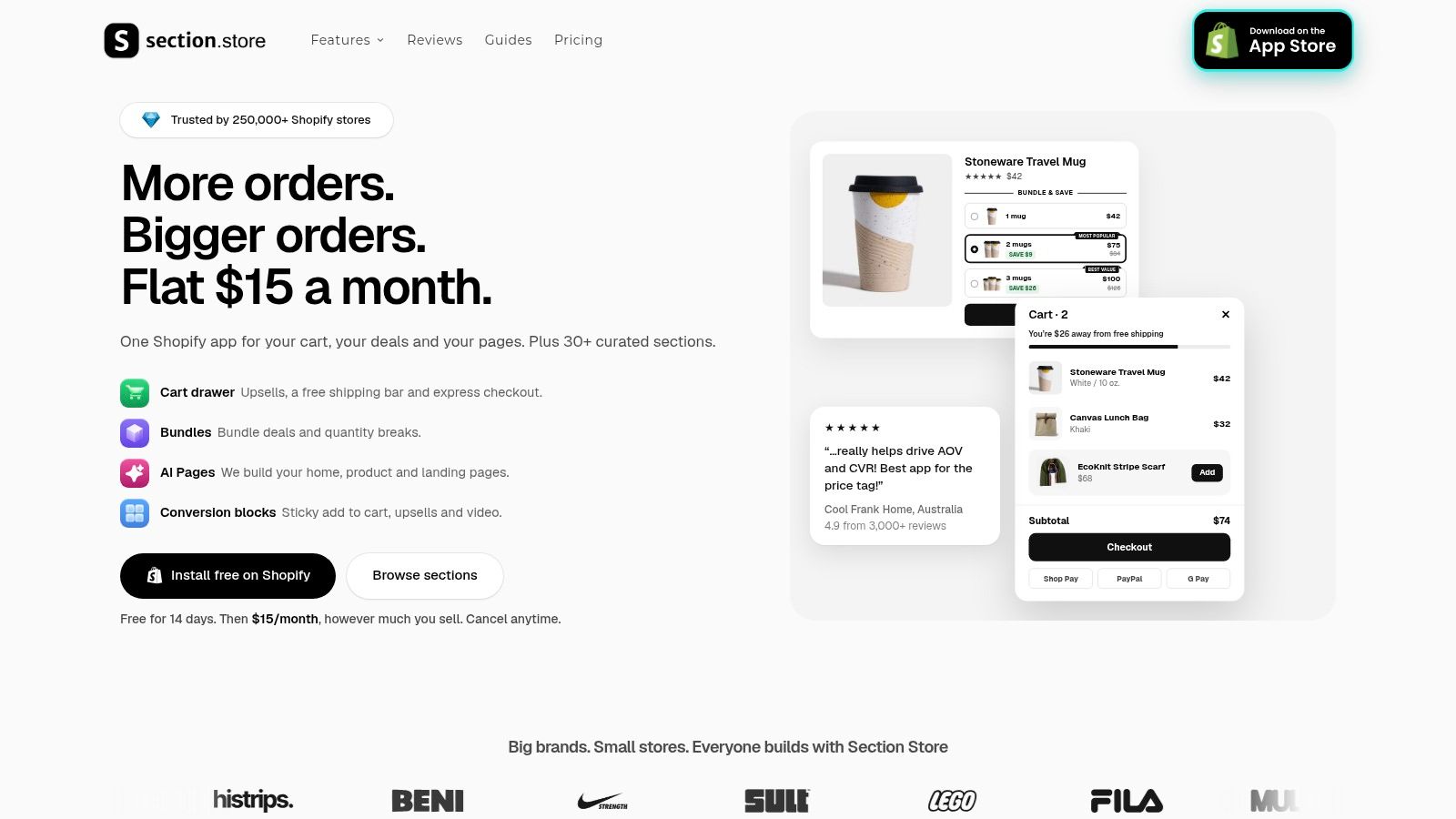
Sometimes your theme is fine and only three things are missing. A better testimonial block, a bundle section, a cleaner cart drawer. Section Store exists for that narrower job.
Instead of replacing your editor, it adds a catalog of customizable theme sections and components that work inside the Shopify theme editor. It's free to install, with some paid sections or features, and it's listed as Built for Shopify. You keep your theme structure and add only the pieces you lack.
That restraint is a real advantage. Fewer moving parts usually means fewer conflicts, easier theme updates, and pages your team already knows how to edit. For many stores, this Shopify design app category is the right answer and a full builder is not.
Where it falls short
It is not a visual page builder. You won't get freeform landing pages or funnel layouts that ignore your theme. If your campaign pages need to look nothing like your store, pick PageFly, GemPages, or Replo instead.
Section quality also varies, as it does in any catalog. Add one section at a time, check it on mobile, and confirm it inherits your fonts and colors properly. Remove sections you stop using.
Pros
- Targeted fix: Improve specific theme gaps without a new builder.
- Native workflow: Editing stays inside the theme editor your team knows.
Cons
- Not a page builder: No freeform campaign layouts.
- Per-section checks: Compatibility and styling still need testing.
10. LayoutHub Easy Page Builder
LayoutHub is the template-first option. You assemble pages from prebuilt layouts and reusable components instead of designing from a blank screen. For a merchant with no designer, that head start is the whole appeal.
Setup is approachable, and a free option lets you test whether the templates match your products. Common storefront page types are covered, so you can get a polished page live quickly.
Speed is also the trade-off. Template pages can look generic out of the box, especially in crowded niches where competitors use similar layouts. Change the imagery, type hierarchy, and section order. If you only swap the logo and product names, shoppers will feel the sameness.
This category has always worked this way. Shopify's story of the new App Store notes the marketplace exceeded 2,000 apps by 2018 and that 87% of merchants said they relied on apps to run their businesses. Template tools grew because merchants needed speed, not originality.
Confirm current plan limits and theme compatibility before you build multiple pages. Template lock-in is quiet until you try to leave, so export or document your page structure as you go.
Pros
- Fast setup: Prebuilt layouts cut design and build time.
- Approachable: Works for teams without design or development help.
Cons
- Generic risk: Templates need real customization to feel on-brand.
- Limits to confirm: Check plan caps and theme fit first.
How the Shopify design apps compare at a glance
| Item | Best For | Free Plan | Standout Feature |
|---|---|---|---|
| ECORN (Recommended) | Brands needing flexible Shopify design, development, or CRO support | No free plan listed; hourly projects available | Dedicated Shopify specialists with subscription or hourly support |
| PageFly | Stores seeking a general-purpose visual page builder | Available | Drag-and-drop editing with templates and reusable sections |
| GemPages | Merchants building campaign pages and sales funnels | Available | AI-assisted page building |
| EComposer Landing Page Builder | Stores creating multiple types of storefront pages | Available | Component library for home, product, and blog pages |
| Shogun | Growing teams managing pages and reusable content | No free plan stated | Analytics, scheduling, and multi-store features on higher tiers |
| Replo | Marketing teams regularly building and testing campaign pages | Free preview available | A/B testing and analytics |
| Foxify AI Store Builder | Smaller teams seeking AI-assisted page creation | Available | AI page-building agent and design imports on higher tiers |
| Omnise AI Page Builder (formerly Beae) | Merchants speeding up page ideation and iteration | Available | Prompt-based page generation with built-in A/B testing |
| Section Store: Theme Sections | Merchants improving selected parts of an existing theme | Free to install; some sections or features are paid | Customizable theme sections that work with the Shopify theme editor |
| LayoutHub Easy Page Builder | Teams wanting to publish polished pages quickly | Available | Prebuilt layouts and reusable components |
Choosing the Right Shopify Design App Starts With One Question
What's broken? One page, a repeatable campaign workflow, or a theme missing a few sections. Answer that first and half this list eliminates itself.
If your theme is sound and only specific blocks are missing, start with Section Store. You'll keep your existing editor, your team won't learn a new tool, and theme updates stay simpler. I see too many stores install a full builder to fix one testimonial section. Don't do that.
If you need custom pages across the store, pick one general builder and commit to it. PageFly suits broad layout control, EComposer suits component-led building across page types, and LayoutHub suits template speed. Running two builders at once is where styling drift and script weight start. Choose one, build a small reusable block library, and delete the other.
When campaigns are the real job
Campaign volume changes the answer. GemPages fits funnel-style pages, while Replo earns its price only when you're testing often enough to act on results. Shogun fits larger content teams that need reuse and scheduling. None of these helps if nobody owns copy, imagery, and launch dates.
AI builders sit in a narrower lane. Foxify and Omnise can draft a page faster than you can wireframe one. They can't judge brand fit, check contrast, order headings, or notice that a mobile layout buries the buy button. Use them for ideation and first drafts. Keep a human review step that nobody skips before publishing.
Pilot before you pay
Run every candidate through the same small pilot. Build one real page with your products, fonts, and existing apps. Check it on a mid-range phone, not just the editor preview.
- Measure speed: Compare mobile Lighthouse before and after, then watch LCP, INP, and CLS on the live page.
- Test conflicts: Load the page with your reviews, bundles, subscriptions, and pop-ups active.
- Test removal: Uninstall on a duplicate theme and look for leftover code or broken sections.
- Test editing: Hand the page to the person who'll update it weekly and watch them work.
That last test settles most debates. A Shopify design app your team avoids opening will decay, no matter how strong its template gallery looks.
Agency help fits a different pattern. When the work needs custom theme code, metafields, a private feature, or CRO research alongside design, a builder alone won't finish the job. That's also true when your backlog spans multiple storefronts and nobody internally owns it. In that case you're not buying software. You're buying finished pages and someone accountable for them.
Start free or start small either way. One page, one week, real products, real checks. The right tool will feel boring to maintain, and boring is exactly what you want after launch day.
If your backlog needs designed and built pages rather than another editor to manage, we offer Shopify design, custom development, CRO, and app development through single projects or monthly packs with dedicated specialists and project management. Tell us which page or theme problem is blocking you and we'll scope the work with you at ECORN.


Shopify Local Development: Setup, Workflow and Fixes
Shopify Theme Minimal: How to Design and Build One
Consistent Website Design: A Practical Guide for Stores
Shopify Development Company in USA Hiring Guide
Shopify Inventory Tracking App: How to Set It Up Right
Shopify Volume Pricing: How to Set Up Tiered Discounts
How Does Shopify Work for Sellers? a Practical Guide
Shopify Theme ZIP: How to Upload and Install It
Shopify Plus Organization Admin: Roles and Access Guide
How to Build a Drop Down Menu in Shopify: Steps and Fixes
Shopify Plus Integration Services Guide
Shopify Customer Experience: A 2026 Guide
AI Lead Generation for E-commerce Growth
Shopify Plus Expansion Stores: Limits and Setup
Shopify Theme Update: Safe Steps, Backups and Rollback
Shopify Website Design Packages: What You Actually Get

How to Choose a Shopify Plus Web Design Agency in 2026
Shopify Plus Ecommerce Agency: How to Pick the Right One
Shopify Themes Retina: How to Serve 2x Images

How to Cross Sell on Shopify Without Friction
Best Shopify Theme for Custom Products Compared
Multi Store Inventory Management: A Practical Guide

SEO Consulting for Ecommerce: A Practical Guide
Shopify Theme Updater App: A Safe Update Playbook
Shopify Git Integration: A Developer's Guide to 2026
Headless Ecommerce Development Services Explained

How to Build a Shopify Clothing Website That Converts
How to Launch a Box Subscription Business in 2026

Luxury Skincare Branding Playbook That Converters
11 Best Podcast Ecommerce Shows for Store Growth in 2026
Shopify Developer Hourly Rate: What to Pay in 2026
Critical Shopify Setup Errors That Are Secretly Sabotaging Your Store
Ecommerce Conversion Tracking: The Complete How-To Guide
Shopify Design Agency: How to Pick the Right Partner
Mastering Multi Store Management on Shopify
Scale Shopify Store
10 Shopify App Ideas Worth Building in 2026
Conversion Rate Optimization for Landing Pages: The Playbook
Shopify Plus Automation: A Guide for 2026
10 Social Selling Platforms for Shopify Merchants

Shopify Website Design Examples: 7 Stores Worth Studying
7 Ecommerce Newsletter Examples for Shopify Brands
One Product Shopify Store: Build and Scale
Mobile Pop Up Strategy for Shopify Stores That Converts
Sitemap for Shopify: How to Find, Optimize, and Submit It
7 Single Product Websites Worth Emulating
Product Variants Shopify: The Complete 2026 Guide
Ecommerce Analytics Consulting for Growth
What Is AI Integration for eCommerce
How to Choose the Right eCommerce Website Development Firm
E Business Strategy Implementation
Conversion Tracking Setup for Shopify Stores
BigCommerce vs Shopify Plus Which Enterprise Wins in 2026
Shopify Theme Kit: Setup, Commands, and Migration Guide
Shopify Extension Development: A Practical 2026 Guide
Shopify Speed Score Explained and How to Improve It
Shopify Mobile Optimization: The 2026 Playbook
How to Add Subcategory in Shopify for Better UX
How to Implement Structured Data for Ecommerce in 2026
SEO App Mobile: Shopify Store Optimization Guide
Shopify Plus Support: What It Includes and How to Choose
Google Ads for Shopify: The Complete 2026 Playbook
Shopify New York: How to Find and Hire the Right Agency
Google Search Console for Shopify: The Complete Setup
First Party Data Collection for eCommerce Growth
FAQ Online Store Guide: Build and Measure It Right
Do FB Ads Work for eCommerce in 2026?
One Page Checkout for Shopify: Design and Implementation
Shopify GraphQL vs REST: The 2026 Developer Decision
Shopify Ecommerce Consulting: Strategy, Pricing &

Are Reddit Ads Worth It for eCommerce Brands
Shopify Title and Meta Description: A Practical 2026 Guide
Product Video Best Practices for Shopify Brands
Real-Time Inventory Management: A 2026 Guide

AI Chatbot Integration for Shopify Stores
Affiliate Program Management: A Shopify Guide
10 Best Performance Monitoring Tools for Shopify in 2026
Digital Asset Management for eCommerce Brands in 2026
Every Type of Facebook Ads Explained for eCommerce Growth
Product Information Management Explained for Shopify Brands
Support Ticket System: A Guide for Shopify Stores

10 Best Customer Service Tools for Shopify in 2026

Can I Start a Business with No Money? a 2026 Blueprint

What Sells Good on Etsy: Best Niches for 2026

Shopify Add to Cart Button: A Practical 2026 Guide

Customer Feedback Automation: A Practical eCommerce Guide
Critical Rendering Path: A Guide for Shopify Stores

How to Promote on TikTok for eCommerce in 2026

B2B eCommerce Consulting That Drives Real Revenue
10 Best Practices for Site Navigation in 2026
Return vs Refund for Shopify Stores: A Practical Guide
What Is Customer Lifetime Value and Why It Matters
What Is Voice of Customer Research for eCommerce

SMS Marketing for Ecommerce That Actually Converts

Master How to Improve Email Deliverability in 2026

Top 8 eCommerce Partners NYC for Shopify Brands in 2026
Machine Learning for Ecommerce: Boost Your Shopify Store

Beauty Market Research: Your 2026 Growth Guide

Shopify International Expansion: A 2026 Roadmap
What Does CRO Stand for in Business: Understanding CRO


newsletter in your inbox