


You've probably edited your Shopify homepage title, glanced at the preview, and moved on. Meanwhile, product pages still show manufacturer copy, collection titles get cut off, and Google displays a different description than the one you carefully wrote. That's a familiar pattern across growing stores, and it creates a missed conversion opportunity before shoppers even reach your site.
A Shopify title and meta description shouldn't be treated as permanent SEO fields. They're search-facing sales assets. The practical job is to make the page clear, relevant, and compelling enough to earn the click, then measure whether the change helped.
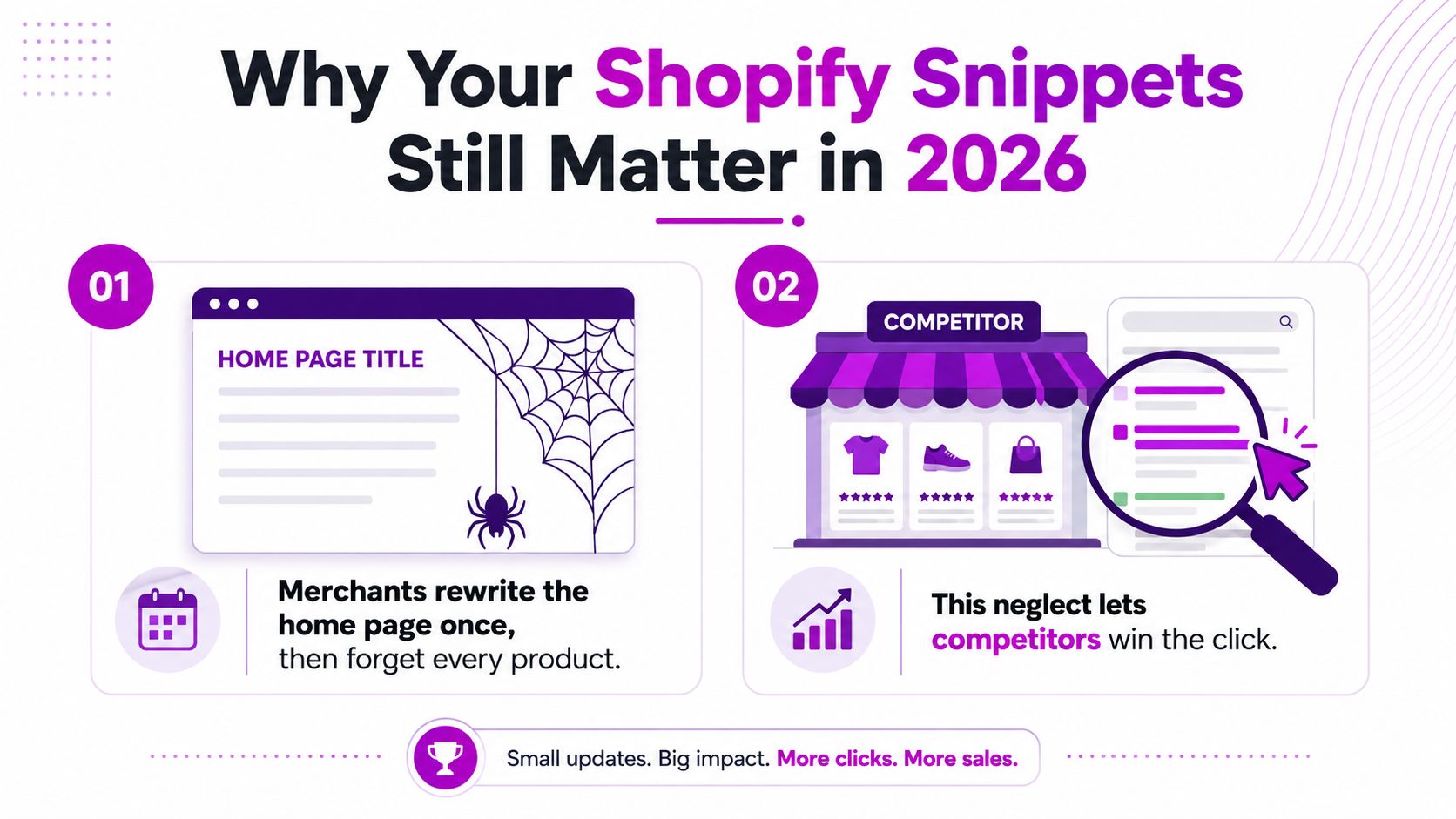
Why Your Shopify Snippets Still Matter in 2026
A product can rank reasonably well and still lose the click. Searchers compare several listings quickly, so a vague title or generic description gives them little reason to choose your store. A competitor with clearer product language, a more relevant benefit, or a closer match to the query can win that decision without changing the underlying product.
Shopify's guidance explains that the page title appears as the link in search results, while the meta description supplies the concise supporting copy beneath it. Both fields are editable in the Shopify admin through Search engine listing preview, so merchants can adjust search presentation for products, collections, pages, and blog content without changing technical infrastructure.
What Google sees
The title tag is metadata in the page code. It usually becomes the prominent clickable headline in a search result, although Google can replace it when another version better fits the query. The meta description also functions as a suggestion. Google may display it, shorten it, or extract text from the page when that wording better matches the search.
Write a strong, accurate candidate that reflects the page and the searcher's intent. Google decides whether that candidate earns a place in the rendered result.
Shopify themes commonly assemble default titles from elements such as the product name, collection name, page name, and store name. The exact output depends on the theme and its metadata settings. A theme can also change how those fields appear in the HTML, so an admin preview should be checked against the live page and, when possible, the search results themselves.
Practical rule: Treat the editor preview as the starting point, not proof that Google will display the same wording.
Title tags and H1 headings serve different jobs
A title tag controls the search-facing document title. An H1 is visible page content, usually the main product, collection, or article heading. The two can support the same topic without using identical wording.
A product page might use “Organic Cotton Crew Neck T-Shirt” as its H1, while the title tag adds a useful qualifier such as “Organic Cotton T-Shirt, Soft Everyday Fit | Brand”. Keep the visible heading readable for shoppers. Use the title tag to clarify the search result and introduce a benefit or qualifier that improves the listing's appeal.
Search results also contain more than the blue link and description. Sitelinks, product enhancements, images, and other result features can compete for attention. To identify opportunities beyond the standard snippet, use this guide to finding SERP feature opportunities.
Why pixel width beats character-count obsession
Character limits provide useful writing guardrails, but Google renders text by width. Two titles with the same character count can occupy different space because letters vary in width. Mobile and desktop layouts can also display the same copy differently.
Broader SEO guidance often places titles around 50 to 60 characters, while Shopify recommends meta descriptions of about 160 characters. These ranges are practical starting points, not guarantees. Put important information first, remove filler, and inspect the rendered result instead of padding copy to reach an arbitrary limit.
Treat snippet work as a CRO experiment. Start with a page that earns impressions but has weak click-through performance. Form a message hypothesis, change one meaningful element, and compare the outcome over a suitable period. If Google repeatedly replaces the title or description, compare the displayed wording with the page content and query intent. Then revise the source copy to make the relevant answer easier to extract.
Search visibility puts the page in the decision set. The snippet influences whether the shopper enters it.
Editing Titles and Meta Descriptions in Shopify Admin
Shopify keeps the basic workflow accessible, but the field is easy to miss if you're editing page content quickly.
Edit the homepage
Open Online Store, then Preferences. Locate the homepage title and meta description fields. Write a title that identifies the store and its primary offer, then use the description to explain who the store serves and why the shopper should explore it.
Save the settings, then open the storefront in a private browser window. Check the page source or use a browser SEO inspection tool to confirm that the intended title and description are present.
Edit a product, collection, page, or blog post
For an individual item:
- Open Products, Collections, Online Store pages, or Blog posts.
- Select the item you want to improve.
- Scroll to Search engine listing preview.
- Choose the edit option.
- Enter the SEO title and meta description.
- Review the preview, then save the page itself.
The most common operational mistake is changing the SEO fields and leaving without saving the parent record. The text may look correct while you're editing, but the storefront won't receive the change until the page is saved.
Check theme and app behavior
If the live page still shows the old metadata, inspect the theme before rewriting the copy again. A theme may generate its own title pattern, while an SEO app can add another layer that conflicts with native Shopify fields. Check the rendered HTML and look for duplicate title tags or missing description tags.
Use theme code only when the native fields and theme settings can't produce the required output. A developer can then determine whether the issue sits in theme.liquid, a template, or an app-generated override.
A Proven Formula for Writing Click-Worthy Titles
A reliable title usually follows this order:
Primary keyword or product type, meaningful benefit or qualifier, brand or differentiator.
Put the phrase that describes the page near the beginning. Use the middle to answer the shopper's next question, such as fit, material, use case, or audience. Add the brand at the end when it helps recognition, but don't let a long brand name push the actual product out of view.
Aim for roughly 50 to 60 characters, or approximately 580 to 600 pixels on desktop, as a working range. Those thresholds come from broader SEO guidance and Shopify-focused title testing, but Google can still rewrite a title that fits. Clarity matters more than hitting the final character exactly.
Examples that show the trade-off
Product page
- Weak: “Classic Tee”
- Stronger: “Organic Cotton T-Shirt, Soft Everyday Fit | Northline”
The second version identifies the product, adds a benefit, and gives the brand context. It doesn't need every attribute, color, and variant in the title.
Collection page
- Weak: “Women's Shoes”
- Stronger: “Women's Running Shoes, Lightweight Daily Trainers”
The revised version narrows the intent and gives the shopper a reason to inspect the collection. If the collection includes several distinct use cases, choose the dominant one instead of listing them all.
Blog post
- Weak: “Our Guide”
- Stronger: “How to Choose a Waterproof Hiking Jacket”
The improved title makes the subject and search task explicit. A blog title should promise an answer, not just identify the content format.
Page-type formulas at a glance
| Page Type | Formula | Target Length |
|---|---|---|
| Product | Primary product term, benefit, brand | Roughly 50 to 60 characters |
| Collection | Category term, audience or use case, qualifier | Roughly 50 to 60 characters |
| Blog post | Question or task, clear answer angle | Roughly 50 to 60 characters |
Keyword stuffing usually produces titles that sound manufactured. “Running Shoes Women's Running Shoes Lightweight Running Shoes” may contain relevant terms, but it makes the listing harder to trust and harder to read.
Break the formula when the brand itself carries strong demand, when a hero product is known by a distinctive name, or when a sale event is the primary reason to click. Even then, lead with the information most likely to match the searcher's intent.
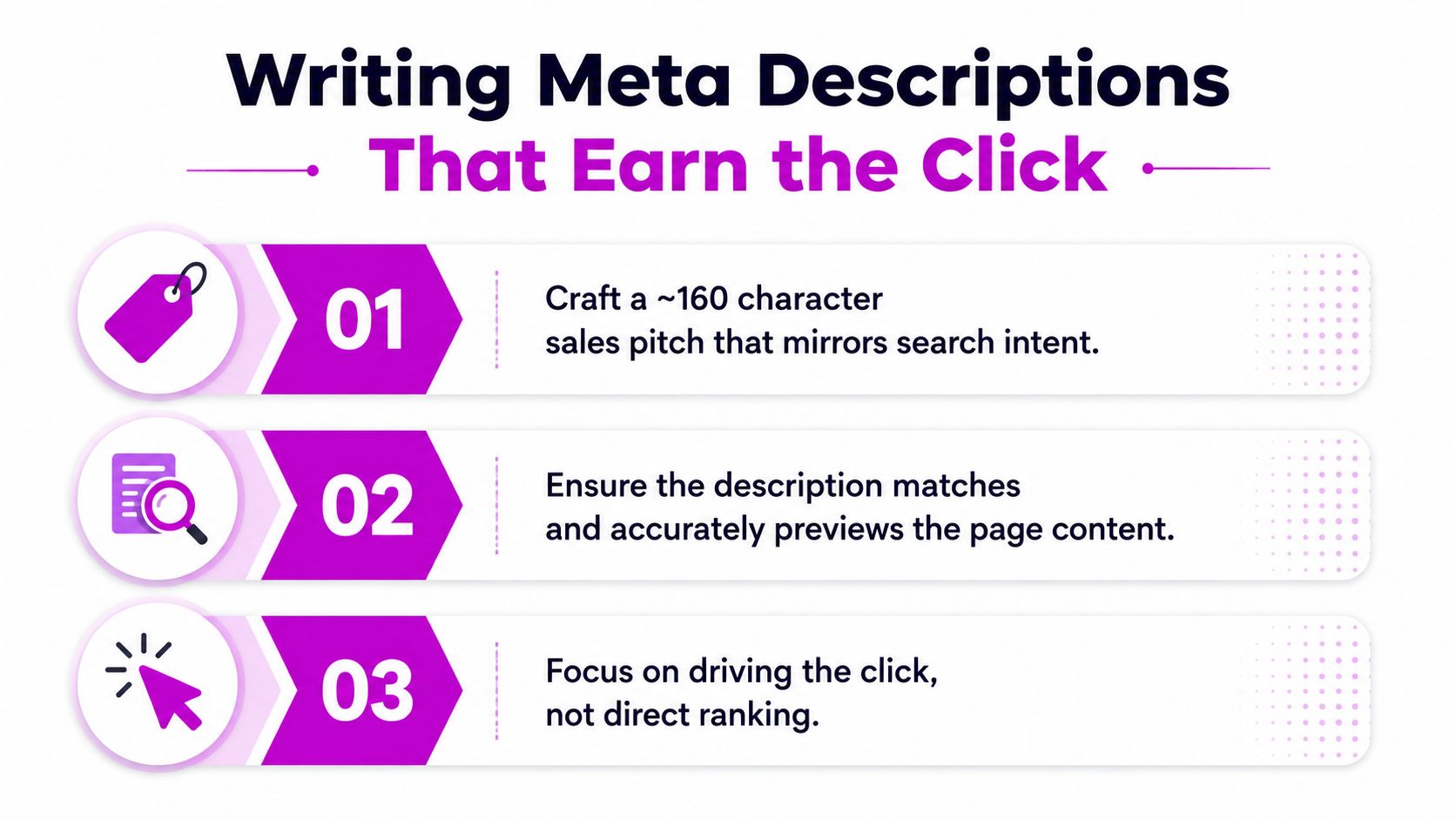
Writing Meta Descriptions That Earn the Click
A meta description is the short sales pitch beneath the title. It generally doesn't function as a direct ranking control, but it can influence whether someone chooses your result over another relevant listing.
Use this structure:
Match the search intent, state the practical benefit, add a concrete detail, then finish with a low-pressure action.
For a product page, “Shop our premium wool blanket” is weaker than a description that explains warmth, texture, intended use, and delivery or care information. For a collection, describe the range and the shopping decision. For a blog post, promise the specific answer the article provides.
Compare the copy, not just the length
Product page
- Boilerplate: “Buy this product from our online store. Great quality and fast shipping.”
- Better: “Shop a breathable organic cotton T-shirt with a soft everyday fit. Explore available colors and find your size.”
Collection page
- Boilerplate: “Browse our collection of women's shoes.”
- Better: “Find women's running shoes for daily training, walking, and active commutes. Compare lightweight styles by fit and use.”
Blog post
- Boilerplate: “Read our guide to choosing a jacket.”
- Better: “Learn how to choose a waterproof hiking jacket by comparing weather protection, breathability, fit, and packability.”
The stronger versions don't rely on empty claims. They preview the content or product accurately and give the searcher a reason to continue.
Keep the description near Shopify's recommended 160-character convention, but don't sacrifice meaning to hit the number. A shorter, specific description is preferable to a padded sentence that repeats the keyword. For additional practical examples and editing guidance, review Up North Media's meta description tips.
Decide when to leave the field open
A custom description makes sense when you understand the dominant query and can write a useful preview. For broad pages with many search intents, Google may generate a better snippet from relevant on-page text. Test rather than assuming.
Use natural secondary terms only when they improve clarity. Emotional hooks can work for fashion, gifting, and lifestyle products, while rational hooks often suit technical equipment, replenishment products, and comparison-led searches. In every case, the description must accurately represent the page.
A practical explanation of the difference is available in this video:
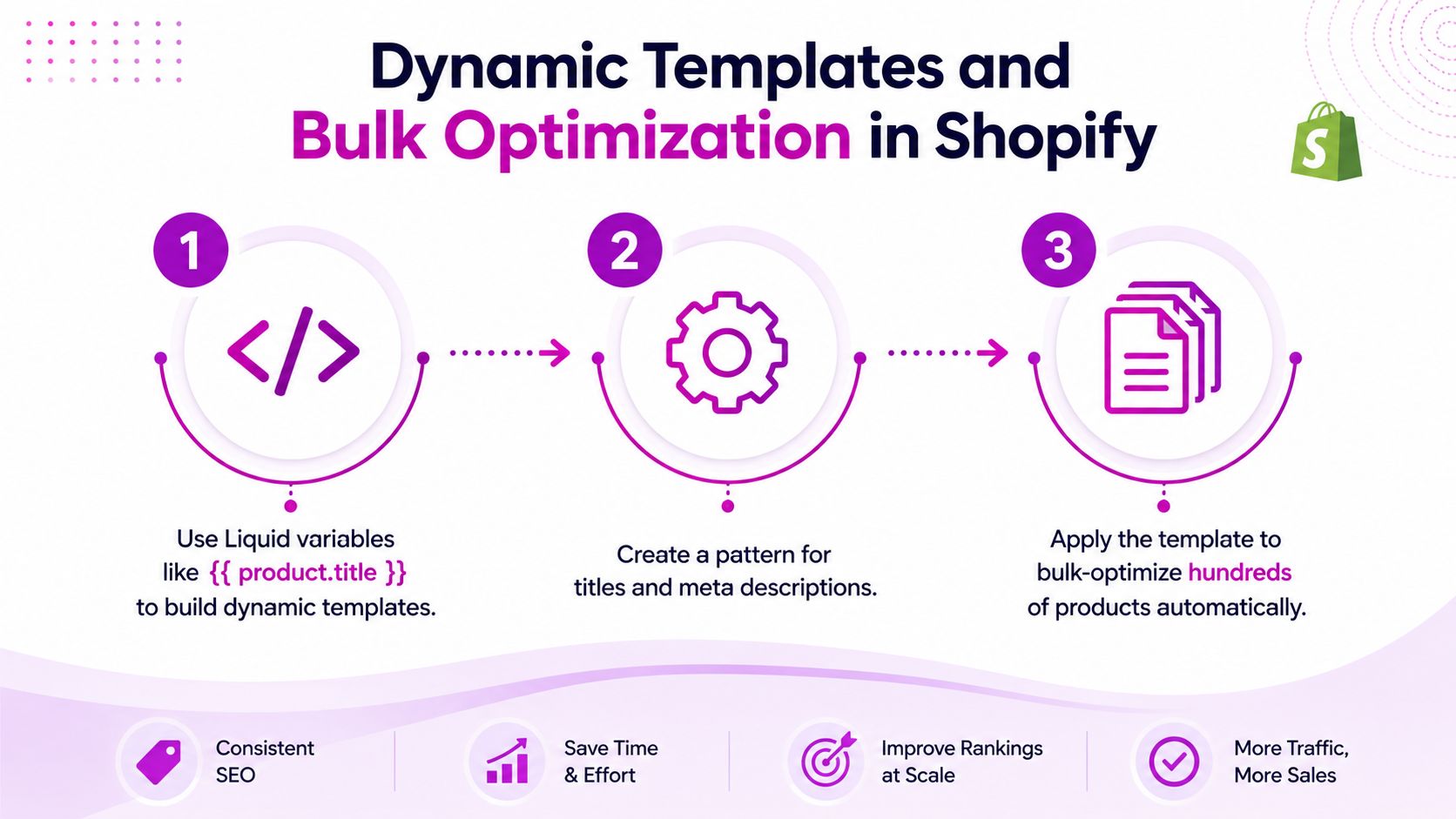
Dynamic Templates and Bulk Optimization in Shopify
Manual editing works for priority pages, but it doesn't scale across a large catalog. Shopify stores can use dynamic patterns that insert product, vendor, collection, or page values into metadata, then reserve manual overrides for pages that deserve custom messaging.
A product title template might follow this logic:
{{ product.title }} | {{ product.vendor }}
A collection pattern could use:
{{ collection.title }} | Shop by Brand
The exact Liquid implementation depends on the theme and template location, so don't paste variables into an admin field that only accepts plain text. Confirm where the theme supports dynamic output, then render and inspect several real URLs.
Shopify's documentation has long encouraged descriptive titles and concise descriptions, and dynamic templates extend that basic workflow across a catalog. The advantage is consistency. Every new product receives a usable starting point instead of a blank field.
Use automation as a baseline, not the finished copy
A template such as “Buy {{ product.title }} from {{ product.vendor }}” can produce repetitive descriptions across similar items. It may be technically populated while remaining commercially weak. Add meaningful product attributes where they're available, and avoid inserting empty separators or awkward fallback text.
A useful operating model has two layers:
- Dynamic baseline: Populate new and low-priority products consistently.
- Human override: Rewrite hero products, high-impression collections, seasonal landing pages, and pages with poor click-through.
Bulk editors and Shopify apps can help export, modify, and import metadata at scale. Before applying a batch, review a sample that includes short titles, long titles, missing vendors, and products with unusual tags. Bulk changes amplify both good logic and bad logic.
For a broader workflow around bulk catalog changes, see this guide to bulk editing Shopify data.
Measuring What Moves the Needle
Treat snippet changes as a CRO experiment rather than a permanent SEO checklist. In Google Search Console, select product and collection URLs with at least 200 monthly impressions and a click-through rate below the site average. This is a practical starting filter for Shopify title testing, not a universal quality threshold.
Record the current title, description, impressions, clicks, and click-through rate. Write a hypothesis before editing, such as: “Adding the material and intended use will make this product result more relevant to non-brand searches.”
A simple testing cycle
- Choose a page with stable search visibility and weak click-through.
- Change the title, description, or both, and document the exact edit.
- Run the new version for 28 days, then compare it with the preceding 28-day baseline.
- Confirm that impressions stayed broadly comparable before judging click-through movement.
- Keep the change, revise the hypothesis, or restore the previous version.
The main complication is a Google rewrite. The title saved in Shopify or present in the HTML may differ from the wording shown in search. Search Console provides query and page context, while a manual search can show whether Google replaced your copy. This testing approach is explained further in the embedded video below. If Google repeatedly rewrites the snippet, improve message match and the page's visible language instead of endlessly trimming characters.
Solo merchants can test one or two priority pages at a time. Larger teams can maintain a queue organized by template, search intent, and commercial value. Avoid changing unrelated pages simultaneously, because you may not be able to connect the result to a specific hypothesis. A useful outcome can be a stronger click-through rate, fewer rewrites, or a clearer understanding of which message fits the query.
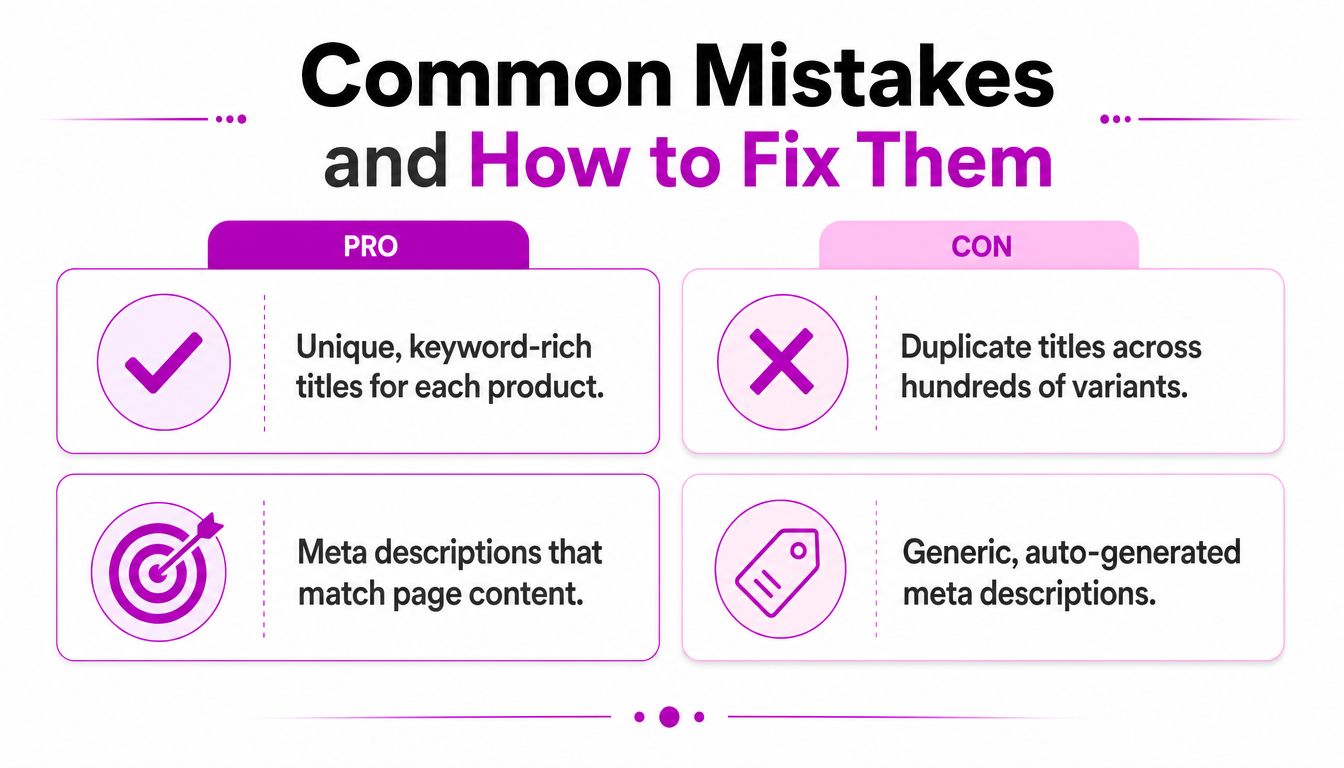
Common Mistakes and How to Fix Them
Most Shopify metadata audits find operational problems rather than complex technical failures. The pattern is usually visible once you compare the admin fields, rendered HTML, and search results.
Duplicate titles across variants
If several URLs represent nearly identical variants, Shopify may produce titles that differ only by a color or parameter, or it may repeat the parent product title entirely. Review whether each URL deserves independent search visibility. Consolidate unnecessary variant pages where appropriate, then give indexable pages distinct titles tied to their actual content.
Manufacturer descriptions copied unchanged
A supplier description often describes the product accurately, but it doesn't explain why a shopper should choose your store. Replace it with copy that reflects your positioning, customer, merchandising, and useful buying details. The goal isn't to decorate the field. It's to make the search result a truthful preview of your page.
Missing or default homepage metadata
Search your homepage title directly in Shopify Preferences and inspect the rendered source. A placeholder such as “Just another Shopify store” signals that the default value was never replaced. Use the homepage title to identify the store's primary category or offer, not merely the company name.
Theme or app overrides
If the admin value and live HTML disagree, look for theme-generated metadata, duplicate tags, or app injections. Don't keep rewriting the same field while another template overrides it. Disable conflicting logic only after checking its role across products, collections, and pages.
Titles that truncate despite looking acceptable
Character count won't reveal every display issue. Long brand names, repeated words, and wide characters can consume available space quickly, especially on mobile. Put the product or category term first, remove redundant qualifiers, and inspect the actual rendered result.
Brand-first titles that hide intent
“Northline Official Store | Shop Our Collection” tells the searcher little about the page. Unless brand recognition is the main query intent, place the product or category before the brand. Google may rewrite titles when your wording doesn't match the page or query, so prioritize relevance and clarity over a perfect-looking editor preview.
Audit question: If a shopper saw only this title and description, would they know what the page offers and why it's relevant?
ECORN works with Shopify merchants on SEO, conversion rate optimization, store development, and scalable catalog workflows. If your titles and meta descriptions need an audit, testing plan, or technical cleanup, visit ECORN to discuss the next step.



Sitemap for Shopify: How to Find, Optimize, and Submit It

7 Single Product Websites Worth Emulating

Product Variants Shopify: The Complete 2026 Guide

Ecommerce Analytics Consulting for Growth

What Is AI Integration for eCommerce

How to Choose the Right eCommerce Website Development Firm

E Business Strategy Implementation

Conversion Tracking Setup for Shopify Stores

BigCommerce vs Shopify Plus Which Enterprise Wins in 2026

Shopify Theme Kit: Setup, Commands, and Migration Guide

Shopify Extension Development: A Practical 2026 Guide

Shopify Speed Score Explained and How to Improve It

Shopify Mobile Optimization: The 2026 Playbook

How to Add Subcategory in Shopify for Better UX

How to Implement Structured Data for Ecommerce in 2026

SEO App Mobile: Shopify Store Optimization Guide

Shopify Plus Support: What It Includes and How to Choose

Google Ads for Shopify: The Complete 2026 Playbook

Shopify New York: How to Find and Hire the Right Agency

Google Search Console for Shopify: The Complete Setup

First Party Data Collection for eCommerce Growth

FAQ Online Store Guide: Build and Measure It Right

Do FB Ads Work for eCommerce in 2026?

One Page Checkout for Shopify: Design and Implementation

Shopify GraphQL vs REST: The 2026 Developer Decision

Shopify Ecommerce Consulting: Strategy, Pricing &

Are Reddit Ads Worth It for eCommerce Brands

Product Video Best Practices for Shopify Brands

Real-Time Inventory Management: A 2026 Guide

AI Chatbot Integration for Shopify Stores

Affiliate Program Management: A Shopify Guide

10 Best Performance Monitoring Tools for Shopify in 2026

Digital Asset Management for eCommerce Brands in 2026

Every Type of Facebook Ads Explained for eCommerce Growth

Product Information Management Explained for Shopify Brands

Support Ticket System: A Guide for Shopify Stores

10 Best Customer Service Tools for Shopify in 2026

Can I Start a Business with No Money? a 2026 Blueprint

What Sells Good on Etsy: Best Niches for 2026

Shopify Add to Cart Button: A Practical 2026 Guide

Customer Feedback Automation: A Practical eCommerce Guide

Critical Rendering Path: A Guide for Shopify Stores

How to Promote on TikTok for eCommerce in 2026

B2B eCommerce Consulting That Drives Real Revenue

10 Best Practices for Site Navigation in 2026

Return vs Refund for Shopify Stores: A Practical Guide

What Is Customer Lifetime Value and Why It Matters

What Is Voice of Customer Research for eCommerce

SMS Marketing for Ecommerce That Actually Converts

Master How to Improve Email Deliverability in 2026

Top 7 eCommerce Partners NYC for Shopify Brands in 2026

Machine Learning for Ecommerce: Boost Your Shopify Store

Beauty Market Research: Your 2026 Growth Guide

Shopify International Expansion: A 2026 Roadmap

What Does CRO Stand for in Business: Understanding CRO

Shopify Visual Merchandising: A Playbook for Higher Sales

Shopify Landing Page Design: Master Conversion in 2026

10 Best AI SEO Optimization Tools for Shopify in 2026

Agentic AI for Ecommerce: Boost Your Sales in 2026
Mastering Email Marketing Data for eCommerce Growth

Conversion Rate Optimisation Australia: Boost Your Sales

Conversion Rate Optimization AI: Your Shopify Store Guide

10 Product Bundling Strategies for Shopify in 2026

How to Increase Customer Lifetime Value: A Shopify Playbook

AI Customer Service Automation: Shopify Guide 2026

Clean Website Design: A Shopify Conversion Playbook

Omnichannel Retail Strategy: A Shopify Playbook

Product Data Enrichment: A Guide for Shopify Brands

Instagram Shopping Features a Guide for Shopify Stores

What Is Revenue Optimization: A Holistic RevOps Guide

Benefits of Conversion Rate Optimization: Boost Your

WordPress to Shopify Migration: Your 2026 Seamless Switch

Boost Sales: Ecommerce Payment Processing Guide 2026

Unified Commerce Platform: Benefits, KPIs & Shopify Guide

How to Reduce Bounce Rate eCommerce: Your 2026 Guide

Shopify API Integration: A Practical End-to-End Guide

How to Implement Data Governance: A 2026 Guide

Shopify Store Development Cost: A 2026 Breakdown

What Is Server Side Tracking: The Shopify Guide 2026

Marketing Automation Workflows: A Shopify Guide for 2026

Shopify: How to Reduce Technical Debt

Shopify UX Design Change: A Playbook for Growth

User Generated Content Strategy: Shopify Playbook

Shopify Pause and Build Plan Cost: A Complete 2026 Guide

Compare at Price on Shopify: A Complete Guide for 2026

Where Can I Sell My Prints? 10 Best Platforms for 2026
Shopify Order Management System: The Ultimate Guide 2026
What Is Marketing Attribution? an eCommerce Guide for 2026

10 Best Black Friday Sales Sheets for 2026

Discover the Top Social Media Marketing Agencies For
Consumer Confidence Definition for eCommerce in 2026
What Is Social Commerce? Your 2026 Guide to Boosting Sales
A Social Ad Campaign Playbook for eCommerce Growth
7 Best FAQ Page Examples for SaaS & eCommerce

Market Research in Fashion Industry: A Guide for Shopify
Shopify Migration Services: Expert Guide for 2026

Mastering FB Retargeting Ads for Shopify in 2026
What Is Omnichannel Ecommerce

Master Your Shopify Plus Migration: The 2026 Guide
Shopify Integration Services: A Merchant's 2026 Guide


newsletter in your inbox